

What Callaro does in the web app
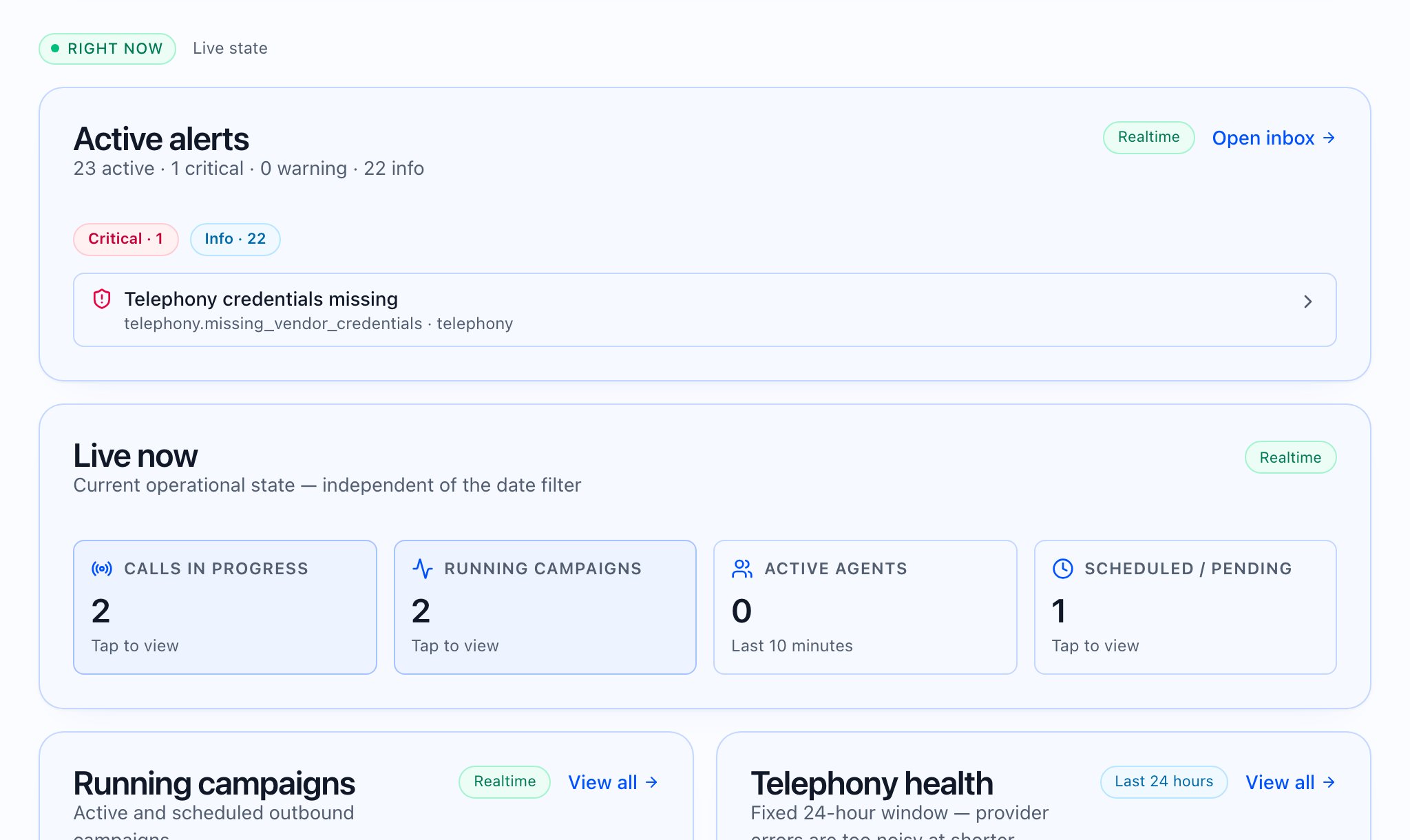
What you see after you sign in
The tenant sidebar (Pro) is grouped in the app as:- Monitor — Overview (Dashboard), Call logs, Contacts (Pro)
- Outreach — Campaigns, Follow-ups, Follow-up rules
- Build — Agents, Call Analysis Prompts (Pro), Knowledge Base, Tool library, Platform rules
- Connectivity — Phone numbers, Telephony
- Admin — Users (when your role may manage users), Usage, Billing, Invoices, API keys
 What the video should show: Chapters aligned to Monitor → Outreach → Build → Connectivity → Admin; no invented features. Caption: “Navigation only—your roles and plan may hide items.”
Getting started (in the app)
- The Getting started page shows the full checklist.
- The same onboarding checklist data appears on the Dashboard under Getting started when not dismissed, loaded from the server; steps are not hard-coded in the client — they follow your context (tenant / partner / platform).

How to use this section of the KB
- Start with Setting up your account (profile, tenant, billing areas in the app).
- Follow Your first campaign — the new-campaign wizard.
- For external systems (CRM, Zapier-style automation), see Integrations in the web app and Developers — not generic CRM setup articles.