

Call logs (Start Here)
At a glance
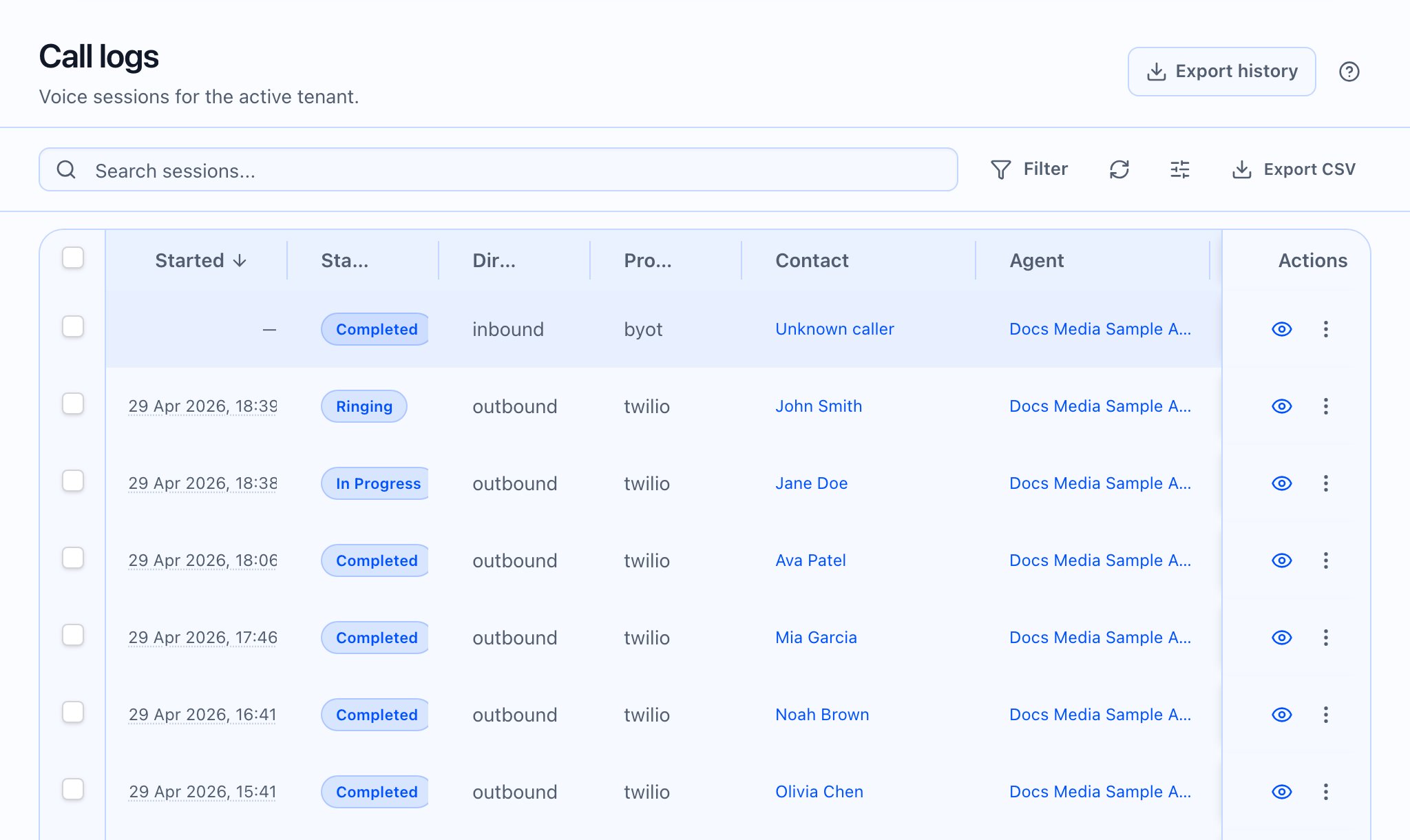
- Call logs is the entry point for browsing sessions in the app.
- Call details is a two-pane layout on large screens: left: recording and transcript (with a sticky header and search), right: Call Insights (tabbed: Details, Webhooks, Cost, Analysis, and role-dependent tabs; extras can appear under More when there are many).
- Export history lives with exports (each completed job can be opened for progress and download).
- What you can see depends on plan (Pro list columns/filters), role (debug presets, call-type filter, internal tabs), and raw JSON scope on Raw data (sanitized vs internal).
Where to go next
- Browsing sessions? Go to Call logs list
- Reviewing one call deeply? Go to Call detail
- Want recordings/transcripts basics? Use: