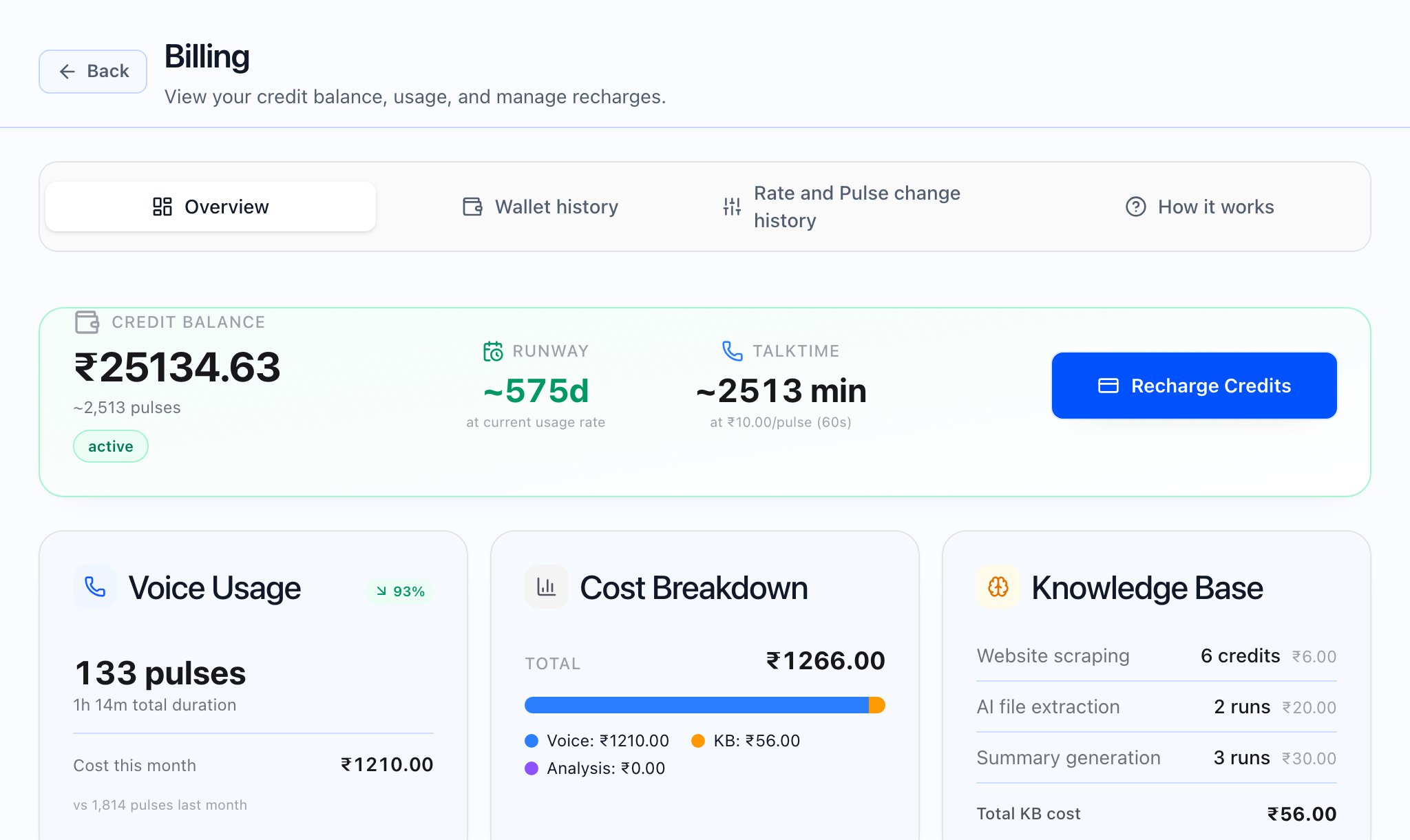
Viewing and downloading invoices
Open Invoices. The page title may read Invoices, Partner invoices, Tenant invoices, or All invoices depending on your scope. Subtitles describe viewing and downloading billing invoices for your context. Use filters for Status (such as Draft, Issued, Paid, Void), Currency, From Date, and To Date, and Clear filters to reset. Partner views may include tabs for Partner account invoices and Tenant invoices when both apply. The list columns include Invoice #, Type, Status, Currency, Period, Subtotal, Tax, Total, Date, and Actions (view and download). Choose a row to open the invoice detail. Use Download PDF on the detail page to save a PDF. If there are no rows yet, you see No invoices yet. For tenant-scoped lists you need a tenant selected; otherwise the app may prompt you to pick a tenant or use the platform All invoices view.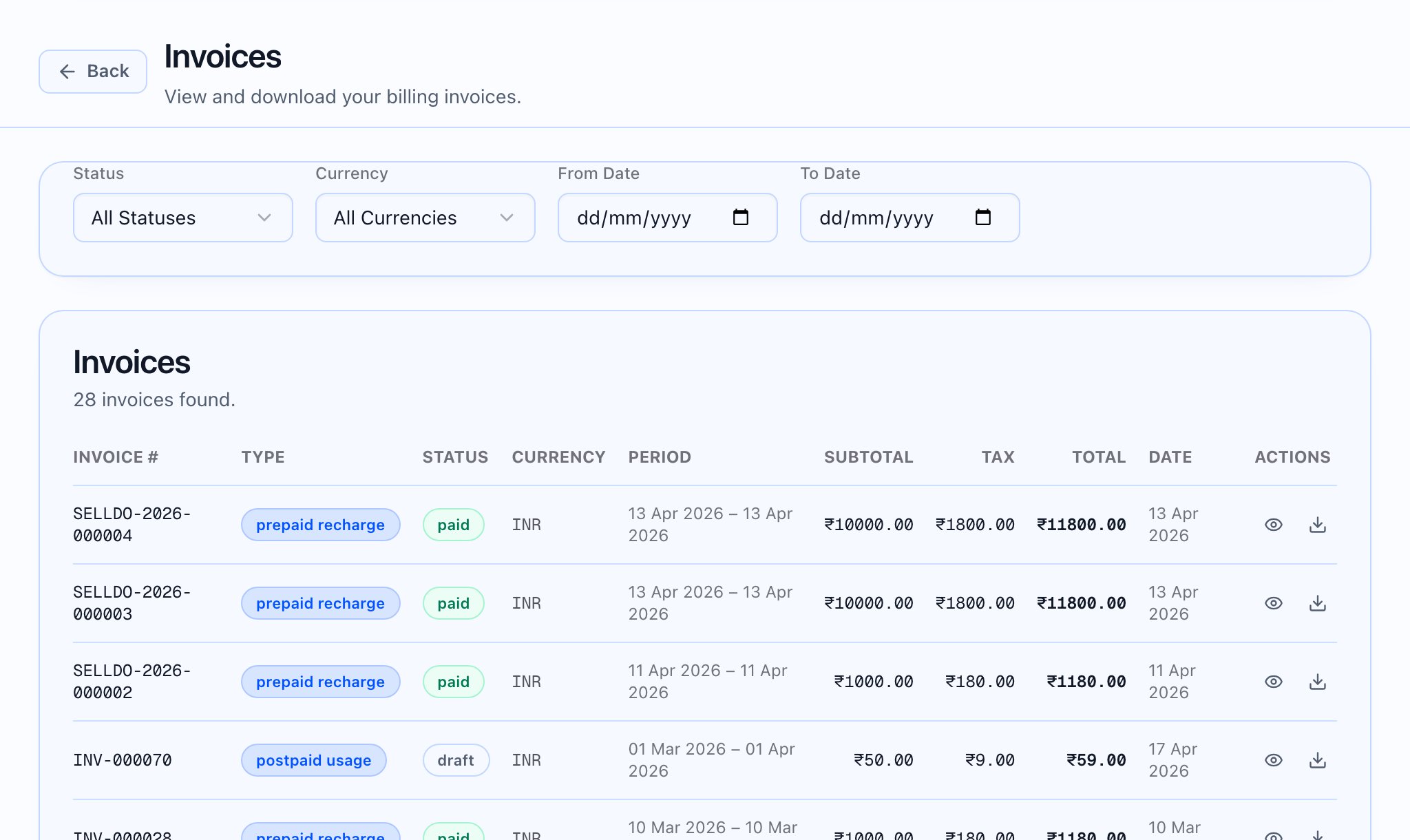


Line items and amounts
On the detail page, Line items includes Item & Description, HSN/SAC, Qty, Rate in the invoice currency, and when shown Tax Rate / Tax Amt and Amount. Amount summary shows Sub Total, the tax line (often labeled Tax (GST)), Total, Balance Due, and when present Credit Notes, Net Amount Due, and Total In Words.


Credit notes (issuer roles)
Issue credit note is available on Issued or Paid invoices for superadmin and Partner Admin roles. Other readers still see Credit notes issued on the invoice when credit notes exist.