

Customising your call script (agent editor)
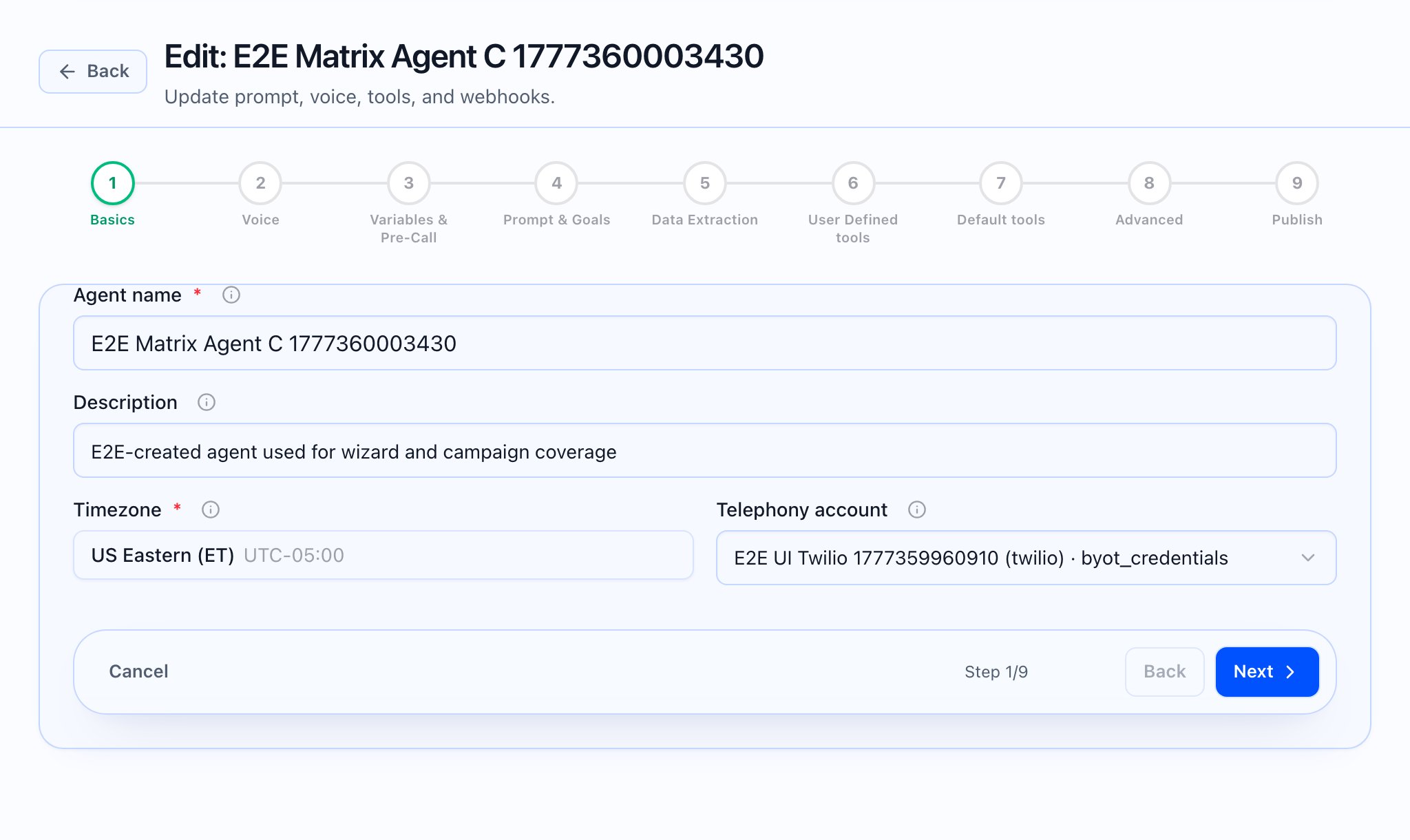
In the app, the “script” is the Prompt & Goals step of the Create agent / Edit agent wizard.- Create: Start from Agents and create a new agent (the app’s Create agent entry).
- Edit: Open an agent from Agents, then choose Edit agent; you can jump straight to Prompt & Goals (Step 4) from the app when available (e.g. step query in the URL).
What to edit for “the script”
In Step 4 — Prompt & Goals, the product merges your inputs into the runtime system prompt. The main blocks you own here are:- Greeting text and Follow-up question for inbound (someone calls you) and outbound (you call them), separately.
- Identity (who the agent is).
- Knowledge base either as custom text in the card or, when your plan allows, a linked knowledge base (published from the app’s Knowledge base area).
- Call control & flow, Objection Handling, Discovery & Qualification, Close / CTA, Guardrails & Do’s and Don’ts.
- Optional Tenant platform rules pack (managed under Platform rules); optional Custom instructions and Style addendum (collapsed under “Advanced” on the same step).
- Conversation goals (numbered one-line goals, add/remove rows).
{{variable}} placeholders for variables you define in Step 3 — Variables & Pre-Call; {{caller_name}} is called out in the UI as auto-filled from pre-call data when available.

After you save
- From Agents, open the agent: the page shows a config summary (model, language, tools count, follow-ups, webhooks, knowledge link) and Version history (snapshots on save/publish; restore loads a version as a new draft). Use Edit agent to return to the wizard.
- Test call from the agent header links to the browser test call with tenant and agent in the query string.
 What the video should show: End-to-end: open an agent from Agents → Prompt & Goals → adjust a section → Publish (step 9) or save path your team uses.