

Number rotation (performance-weighted pool)
In the product, rotation is not a separate toggle. It is how the campaign number pool works on Create campaign / Edit campaign → Step 2: Telephony (the Telephony step of the new-campaign flow): each dial attempt picks a number from the pool using performance-weighted selection, with extra rules for geography and spam (see that step’s copy and expandable How the number pool works).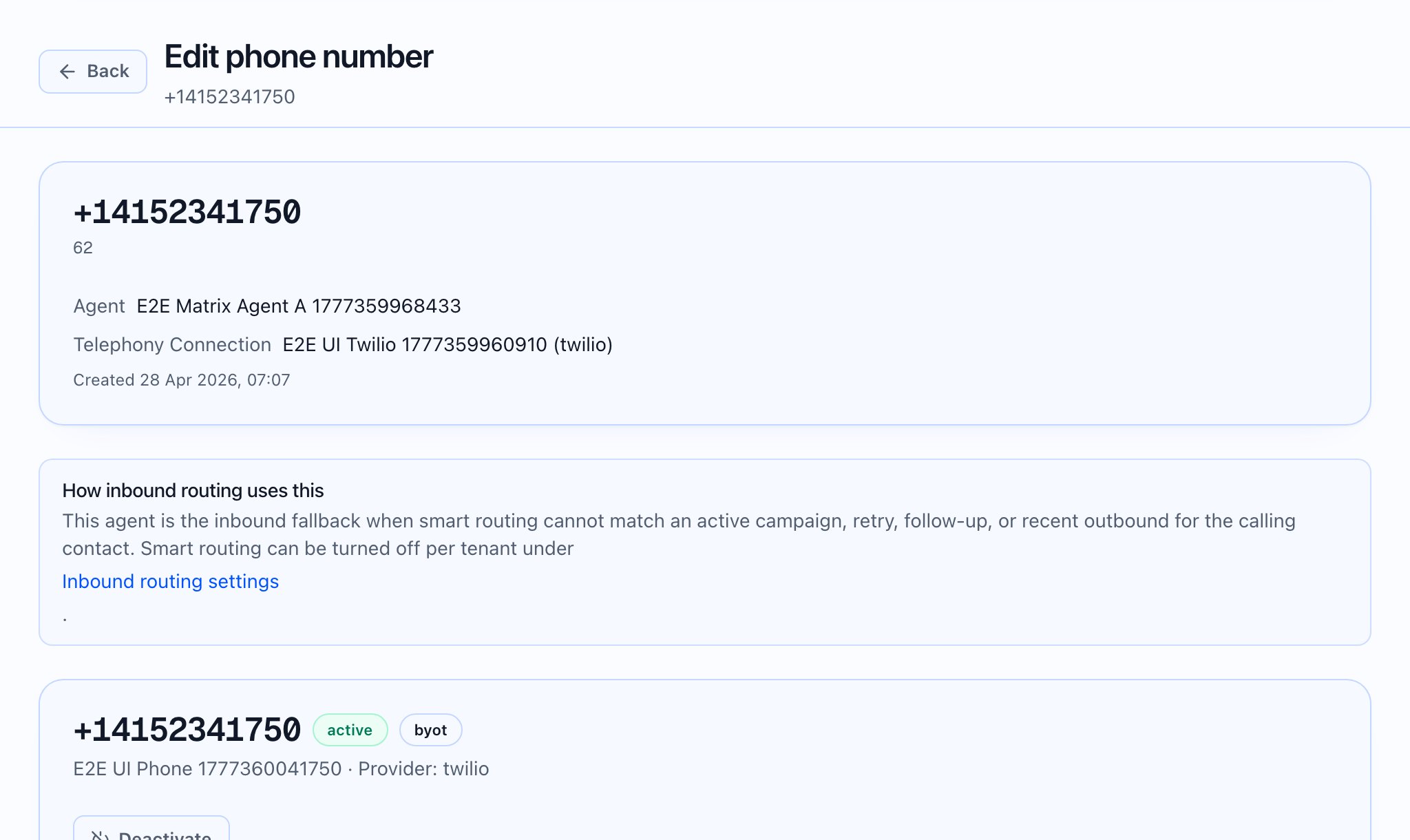
Where you configure the pool
- Open New campaign (or edit a draft) and go to the Telephony step.
- Go to Telephony (step 2 in the wizard).
- Choose Primary From Phone Number * — required; also seeds the pool UI.
- Add more numbers with + Add another number to pool… (searchable; same loader as primary).
- The campaign picks one number per attempt using performance-weighted rotation.
- Contacts typically keep the same number across retries (sticky).
- Spam-flagged numbers are skipped automatically.

How rotation behaves (UI-documented)
Expand How the number pool works on the Telephony step. The implementation’s own explanations include:- Pick per attempt — One active number per attempt; empty pool falls back to primary.
- First call = weighted random — Not strict round-robin; not “primary first.” Fresh numbers with equal weight behave roughly uniform; two consecutive contacts can share a number.
- Sticky contacts — After a number successfully reaches a contact, later attempts for that contact reuse it.
- Performance-weighted rotation — Weight is multiplied by live answer rate (answered ÷ attempted); better performers get more share over time; new numbers start neutral.
- Country & timezone filtering — Optional Prefer country-matched numbers for each contact narrows by contact country, then timezone, then full pool.
- Spam & compliance skips — Numbers flagged past platform threshold or not allowed to dial the contact’s country are skipped (including the first call).
- Capacity-aware parallelism — Dispatcher respects per-connection limits and tenant cap (see pool capacity breakdown on the same step).
- Exhaustion & reset — If every number was tried for a contact, rotation resets for later retries.
- Mixed providers — Numbers can use different telephony connections; each call routes via the selected number’s provider.
- Prefer country-matched numbers for each contact — Subtext: (falls back to timezone match, then full pool).
Where you monitor weights and performance
- Campaign detail: Number Pool Health table — per-number Attempts, Answered, Answer rate, Weight, Status, link to the number detail page.
- Phone number detail: Campaign Health — per campaign Pool Status, same metrics, link back to campaign.
 What the video should show: Live campaign page Number Pool Health updating after calls, then opening a number’s Campaign Health for the same campaign.
Operational guidance (beyond the UI)
- Adding numbers — Use Add number (Connectivity → Phone numbers) so new lines enter the pool searchable from the wizard.
- Primary is still required — Even with a large pool, the wizard treats primary as the default pool entry and fallback when the pool selection logic yields none.