

What happens when a human answers vs voicemail
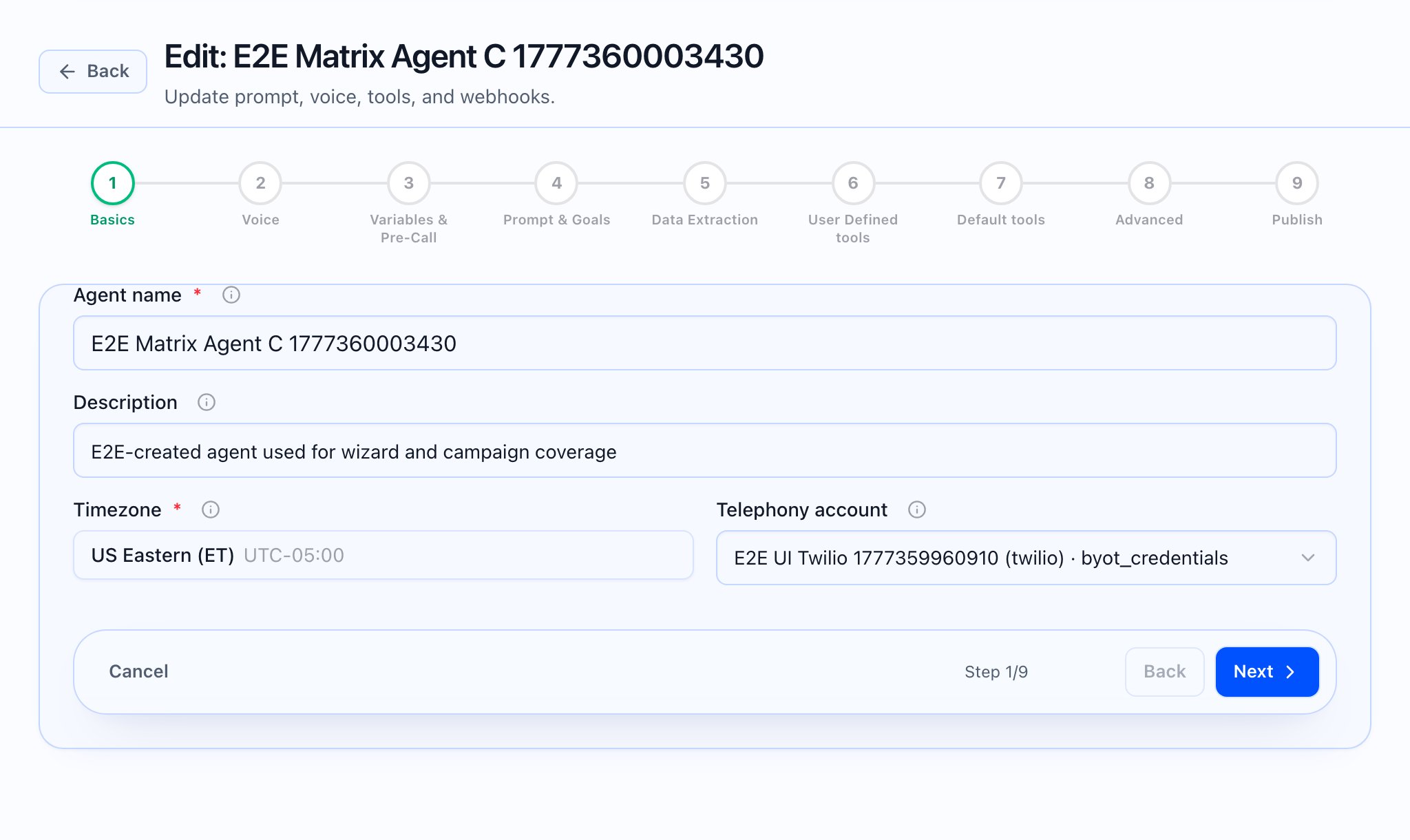
In Callaro’s UI this article maps to inbound vs outbound greetings in the agent editor, campaign voicemail retries, and voicemail detection on call records—not a separate “voicemail script” form. The app does not give you a dedicated “voicemail script” field next to the live-answer script. What you do have is:- Different first turns for inbound vs outbound in Step 4 — Prompt & Goals (open Edit agent to that step).
- Campaign-level voicemail retry settings when you configure a campaign (Create/Edit campaign wizard).
- Per-call voicemail detection on the call record in Call details (open a session from Call logs).
Inbound vs outbound (agent editor)
On Prompt & Goals, Greetings configures:- Inbound calls: Greeting text and Follow-up question for when a customer calls your number and the agent picks up first.
- Outbound calls: Greeting text and Follow-up question for when the system calls a lead and the agent introduces itself.
{{variable}} placeholders from Step 3 — Variables & Pre-Call; {{caller_name}} is noted as auto-filled from pre-call data when available.
Write the outbound opening for a live person picking up. If you need the agent to sound different when it reaches voicemail, handle that through Call control & flow and Close / CTA (e.g. leave a brief message, then end)—there is no separate labeled “voicemail greeting” control.

Voicemail in campaigns (retries)
In Create Campaign / Edit campaign, the wizard includes options for how often to re-attempt when a call does not connect or hits voicemail—Retry on voicemail and Max voicemail attempts (wording and layout as shown in the app). Use that to control dialing strategy, not the agent’s spoken script. What the video should show: Campaign wizard: locate voicemail retry controls, then open a call log where Voicemail detected appears.