

Prompt writing fundamentals (agent Prompt & Goals)
“Prompt” in the voice product means the combined instructions you enter in Step 4 — Prompt & Goals of the agent wizard, plus any Platform rules pack you select, not the post-call analysis templates on the Call analysis prompts page (those run on transcripts after the call).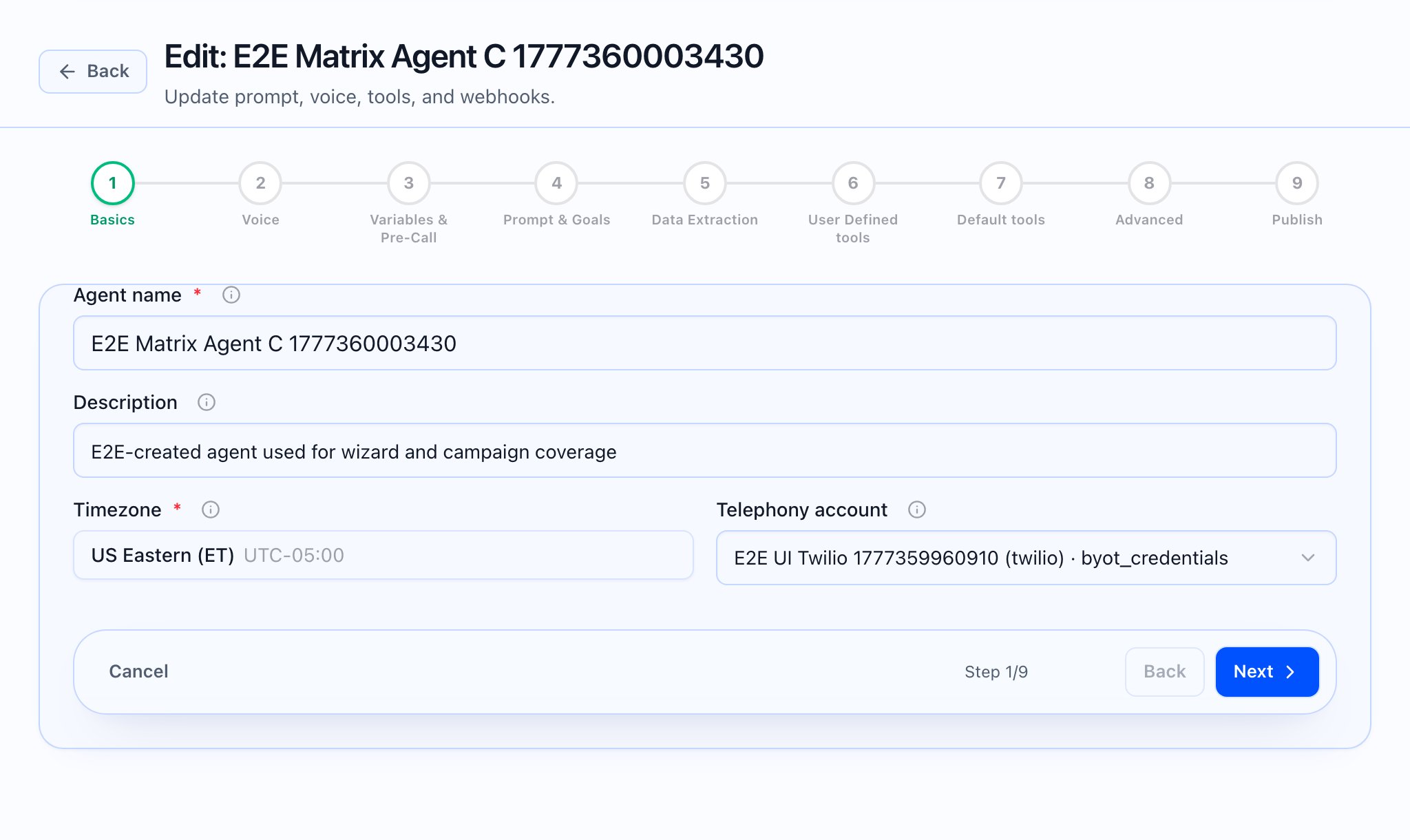
Structure you can rely on
The editor is split into explicit blocks (each merged into the runtime prompt with the section names shown in the in-app help):Limits and placeholders
- Total prompt size is capped (40,000 characters for all sections + goals + custom instructions, per product limits). The step shows a counter and blocks navigation/save when over limit.
- Greetings support
{{variable}}names from Step 3;{{caller_name}}is called out in the UI as auto-filled from pre-call data when available.
Platform rules vs agent text
Platform rules on the Platform rules page are tenant-wide packs suggested for new agents and merged first in the system prompt. Use them for disclosure and policy; use Step 4 for persona, offer, and conversation design.Call analysis prompts (different feature)
Call analysis prompts (same Call analysis prompts page in the app) configure post-call LLM analysis (provider/model, template variables liketranscript, disposition, etc.). Attach them in Default tools (Step 7) when you want structured output after the call. They do not replace Step 4 for live conversation.

 What the video should show: Side-by-side mention: Prompt & Goals vs Call analysis prompts page headers to avoid confusing the two.
Inbound calls
Inbound calls receive an additional set of runtime variables (routing_reason, campaign_id, task_id, contact_id, follow_up_id, direction) so your prompt can branch the greeting based on what the caller is returning to. See Inbound runtime variables for the full list and sample prompt snippets.