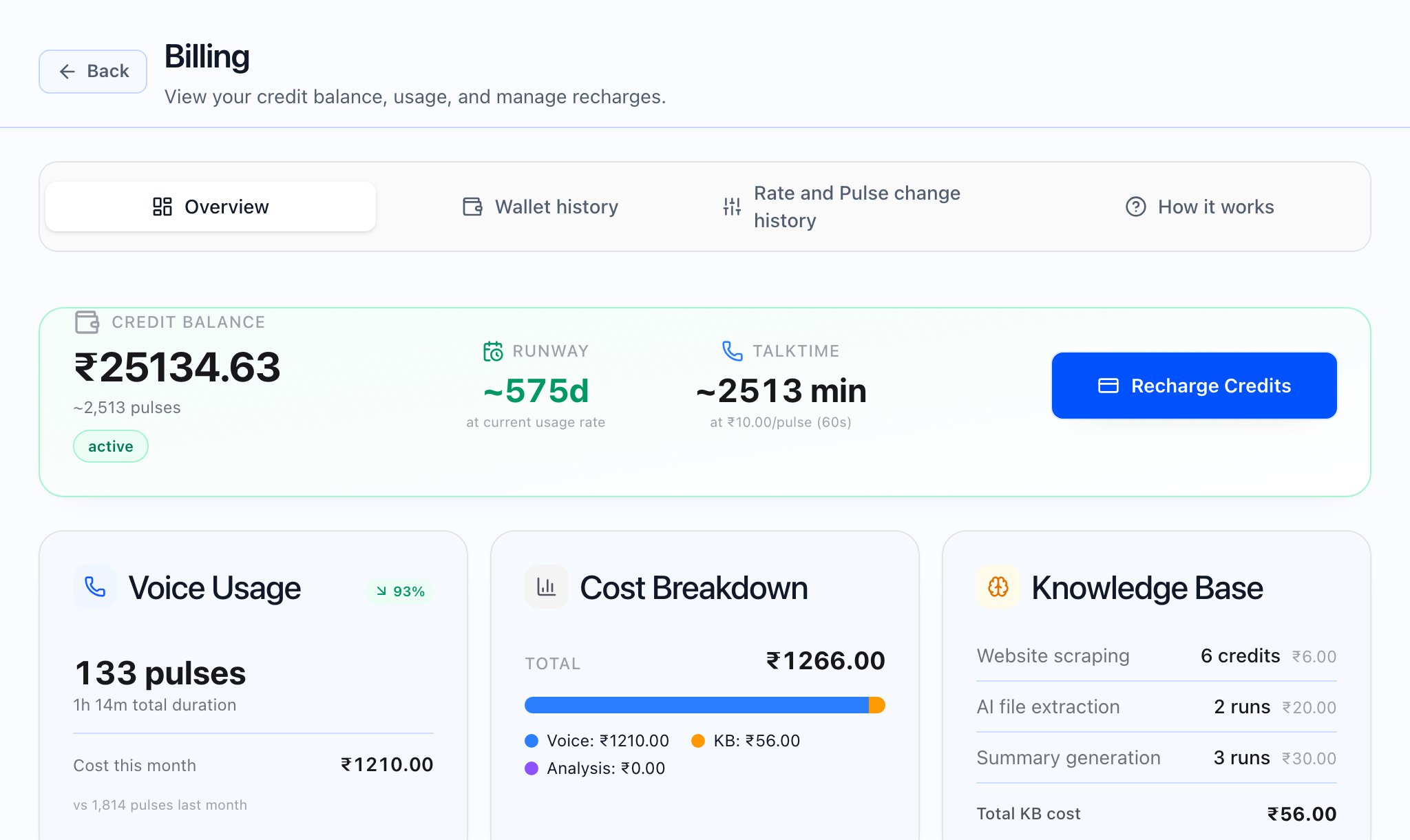
Usage and what you are billed
The Usage page lists operational events for calls, knowledge-base website imports, and AI file-extraction fallback when that applies. The tenant view shows charged cost (what you are billed). Amounts on this page exclude GST; Invoices include tax where applicable. The table is the line-level event log. Billing → Overview summarizes this month voice, knowledge base, and analysis costs and pulse counts. Both views reflect the same metering but answer different questions: event detail vs wallet and credit snapshot. From the dashboard, View usage can open Usage with a date filter when your role allows it.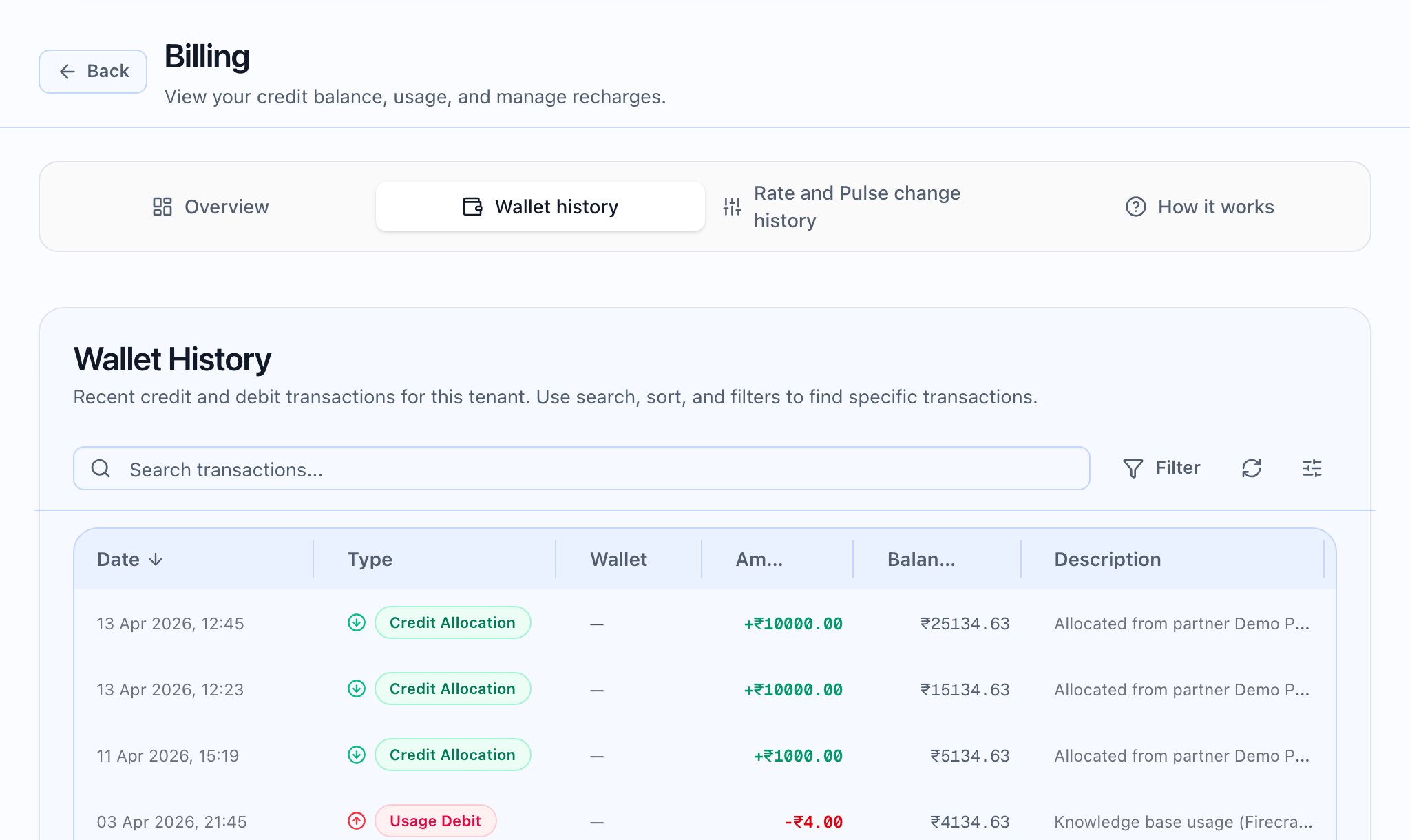


What the Usage page is for
Events cover calls, knowledge-base imports, and AI file-extraction fallback where used. The cost column shows what the tenant is charged. Remember: figures here exclude GST; issued Invoices add GST when applicable.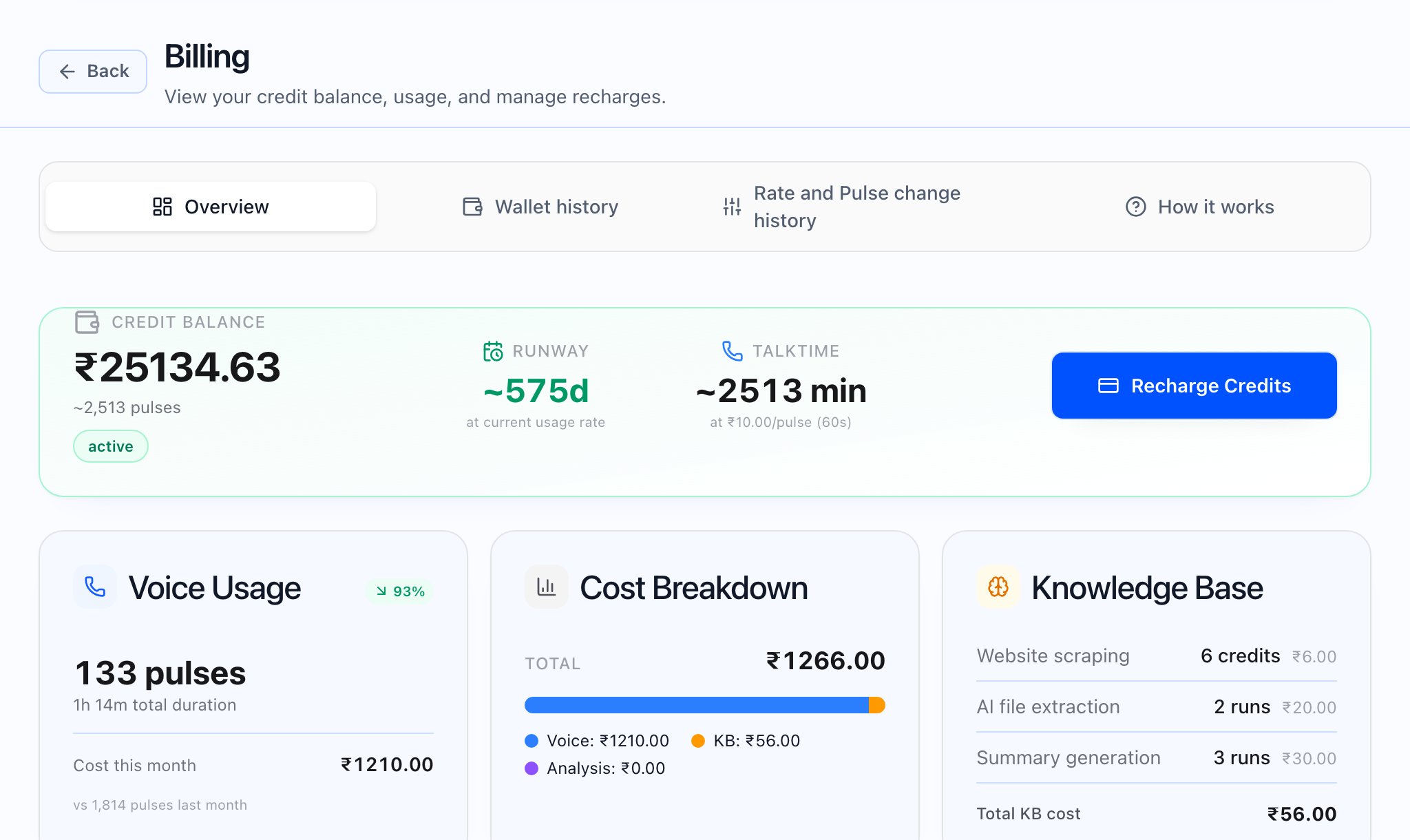


Platform-only usage
Platform usage is a separate screen for partner and superadmin workflows. It focuses on internal cost in INR and also states that amounts exclude GST. Day-to-day tenant billing questions belong on Usage; internal operators use Platform usage when their role includes it.