

Spam-flagged numbers and compliance skips
The Telephony step of Create campaign (new or edit) documents platform behavior in two places: the Number Pool blurb and the expandable How the number pool works section.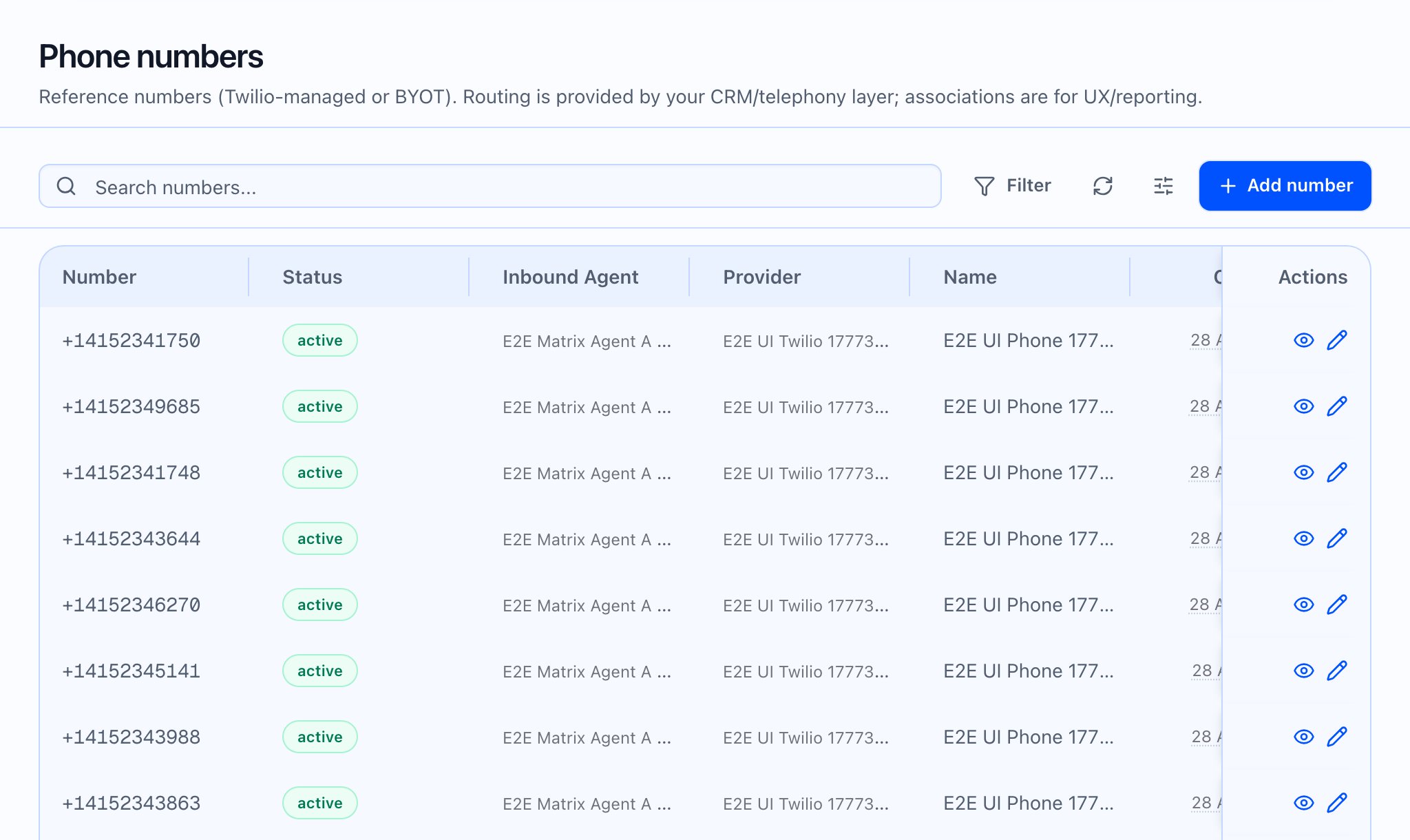
What the product does automatically
Number Pool helper text:- “…spam-flagged numbers are skipped automatically.”
- Numbers flagged as spam above the platform threshold, or not allowed to dial the contact’s country, are skipped and never enter the pick—including for the very first call.

Where to investigate in the app
The phone number list shows a general Status badge (e.g. active) and Twilio for platform-managed numbers; it does not surface every spam or reputation field in the table—some metrics exist for API and detail views.
Operational response (playbook)
- Confirm the campaign has more than one eligible number so skips do not stall outreach—add numbers via Add number and attach them in Telephony.
- Review Number Pool Health on the campaign: if one line shows a bad Status or zero traffic while others dial, treat it as a candidate for replacement or provider review.
- Pause or narrow volume on the affected line at the campaign or provider level until metrics recover.
- Check country rules — Allowed outbound countries on the number can interact with compliance skips; empty means no restriction in the UI copy.
- Deactivate or release unusable Twilio-managed lines from the number detail page (Deactivate / Release number) after leadership sign-off—release is destructive (confirm dialog).
 What the video should show: Operator walks from campaign Number Pool Health into a number detail, reviews Campaign Health, then adds a replacement number to the campaign pool.