
Contacts (Start Here)

On the main Contacts screen you should see the page header, Import contacts (takes you to the import flow), Add contact (opens the add dialog), and More (links to the Do Not Call list, import history, export history, segments, and custom fields). Below that is the contacts table with search, filters, and column actions.
Where to find things in the app
- Contacts list — the hub for your contact directory.
- A single contact — open a row to see full detail and history.
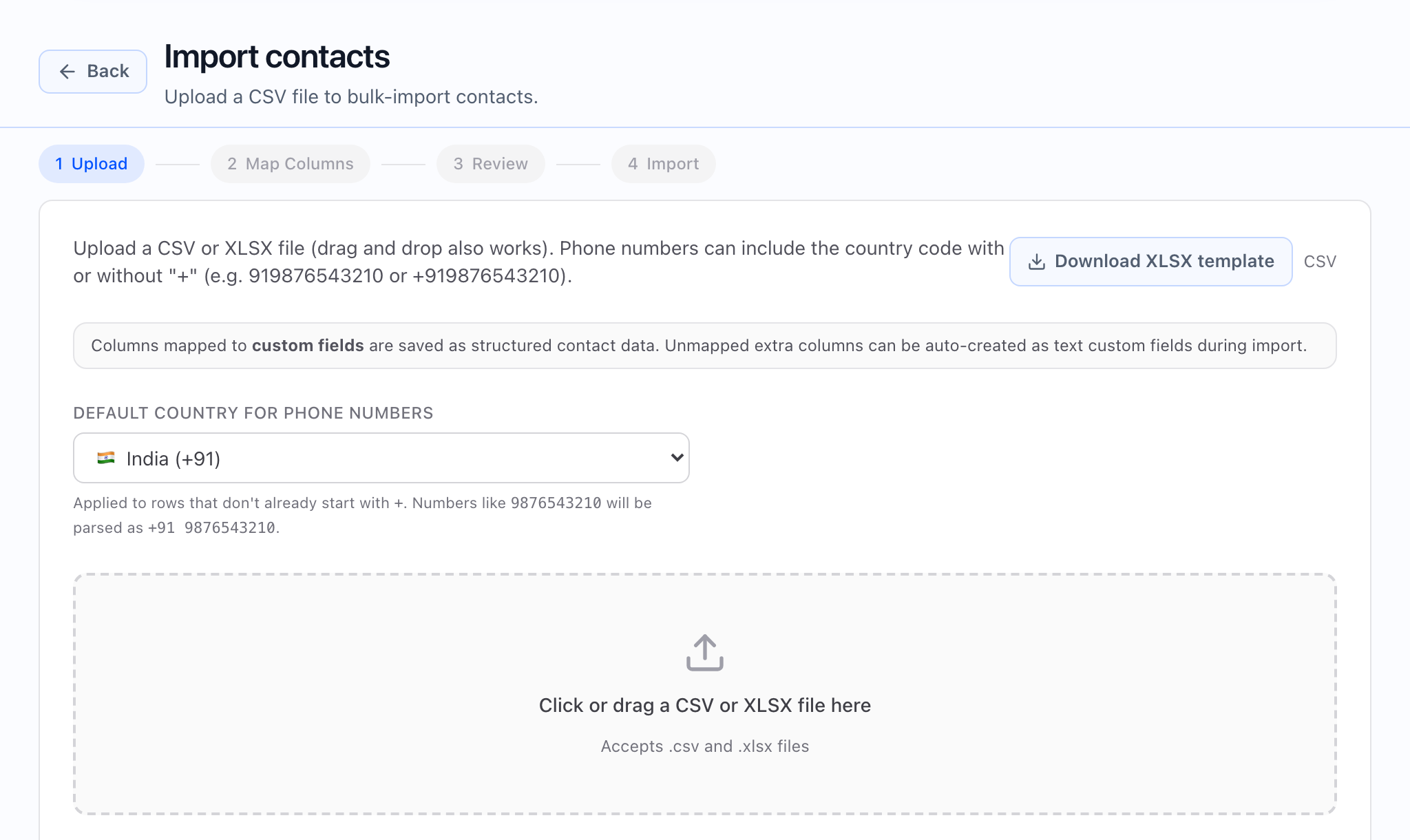
- Import contacts — CSV import and past import jobs.
- Exports — export history and downloads.
- Do Not Call (DNC) — tenant-wide blocked numbers.
- Segments — saved filter sets you can reuse, including in campaigns.
- Custom fields — define the extra fields that appear on contacts, in filters, and in exports.
If your plan does not include Contacts, or you have not selected a workspace yet, you will see a message to choose a workspace or upgrade instead of the full table.
How your list works
The list uses search (finds text in supported columns), filters (rules on contact fields you are allowed to filter on), sorting (where the product offers sort for a column), and pages of results. What you can filter and sort on depends on your workspace settings and the fields you have enabled.
The table can also start from a saved segment (your filters and search are restored so you are looking at the same audience again).
What the navigation should show: from Contacts, open More to reach the Do Not Call list, Segments, or Custom fields when you need those tools.
At a glance
- The Contacts list is where you search, filter, sort, and page through your directory.
- You can add one contact with Add contact or bring many in with Import contacts.
- Segments and the filter panel are covered in Contacts list, filters, and segments.
- DNC is enforced across outbound work; you manage it from a contact and from the DNC list — see Do Not Call (DNC).
- Custom fields are configured in Custom fields under Contacts and then show in the table, filters, and add/edit forms when you add them to your schema.
How contacts connect to campaigns and agents
- From the contact record — standard fields, tags, and custom fields you store on the person.
- From campaign audience — segments you save from the list can be chosen when you set who a campaign should call; field mapping is covered in Contacts → Campaigns → Agent variables.
- From static campaign values — settings you enter once on the campaign so every call in that batch uses the same values.
 What the story should show: a clean list, a segment or filter applied, and that same audience chosen later when you create a campaign (audience step in the wizard).
Where to go next
- Import contacts from CSV
- Contacts list, filters, and segments
- Add and edit contacts
- Contact detail page
- Do Not Call (DNC)
- Custom fields
If your contacts don’t have the context your agent expects (company, timezone, lead source, etc.), the AI will sound generic. Fixing contacts is often the fastest way to improve outcomes.
Common mistakes to avoid
- Importing contacts without timezone for multi-region outreach.
- Not using segments when you repeat the same targeting across campaigns.
- Overusing custom fields without ownership (schema sprawl in filters and exports).
- Treating DNC as optional — keep the DNC list and per-contact DNC in sync with your policy.