
Add and edit contacts

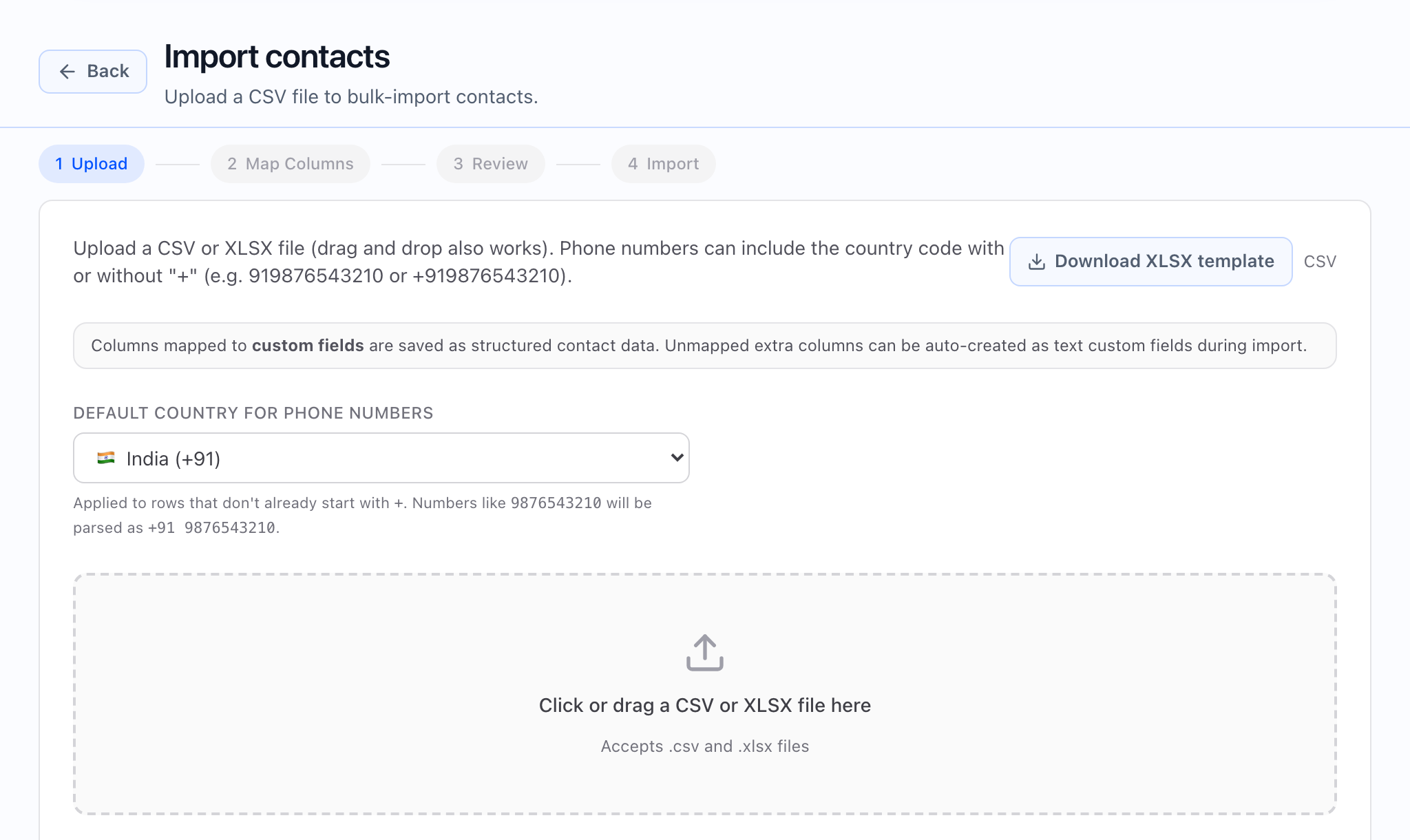
From the Contacts list, use Add contact to open the add dialog. The title reads Add contact. You can set country, phone, name, email, company, timezone, and any custom fields your workspace has defined. To change bulk data, use Import contacts and go to the import flow instead.
Use Add contact and Edit contact for one-off or small changes; use Import contacts for large or repeated loads. The same form is used to create a new contact and to edit an existing one from the contact’s detail page.
Where the actions live
| Action | Where you find it |
|---|---|
| Create | Contacts list → Add contact (there is no separate “new contact” URL you need to type). |
| View or edit | Open a contact from the list → on the Contact detail page, use Edit contact. |
When you open the add or edit dialog, the app loads your custom field definitions so the right inputs (text, picklists, checkboxes, etc.) appear. On save, only the fields you filled in are sent; empty optional fields are left out where appropriate.
The dialog explains that phone numbers are stored in a standard international (E.164) form on the server. You may see a short preview of how the number will be stored after you type it.
At a glance
- Tags can appear on the contact and in the list, but the basic add/edit dialog does not include full tag management — do not expect to edit tags from that modal alone.
What the phone preview should show: after you enter digits, a clear confirmation of the E.164 value and a readable international format when the number validates.
Add a contact (in-app)
- Open Contacts.
- Click Add contact.
- Choose Country and enter the Number (or paste a full international number; a leading + is optional when a country is selected).
- Optionally set first name, last name, email, company, and timezone.
- Fill any custom fields your workspace shows.
- Submit — the list refreshes so you can find the new row.
Edit a contact (in-app)
- Open a contact from the list (the Contact detail page).
- Click Edit contact.
- Update fields and submit — the detail page updates with your changes.
 What the full edit experience should show: the detail header with Do Not Call controls, Edit contact, and any lifecycle actions your role is allowed to use, in one consistent layout.
Field reference
Phone (required)
- Letters and invalid characters are rejected; there is a minimum length check on the digit portion.
- If your number does not start with +, the app sends your country so local numbers can be interpreted correctly.
The UI blocks obviously invalid input; the server is authoritative for the final E.164 value. If an import is wrong, fix the file in Import contacts rather than editing many rows one at a time.
First name / last name
Optional; used for display and voice personalization.
Optional; the app may mention exports and follow-up workflows in helper text.
Company
Optional; used for context, filtering, and segmentation.
Timezone
Optional; pick from the timezone list. Set it for time-windowed dialing when your program uses it.
Custom fields
Defined under Custom fields in Contacts; only fields you have created appear in the dialog. See Custom fields for contacts.
Common mistakes
- Editing one row when a CSV is systematically wrong — re-import with a corrected file from Import contacts.
- Leaving timezone empty for cross-region programs that rely on it.
- Creating many custom fields without ownership — see the custom fields guide for how to keep your schema manageable.