
Troubleshooting: Campaign isn’t dialing
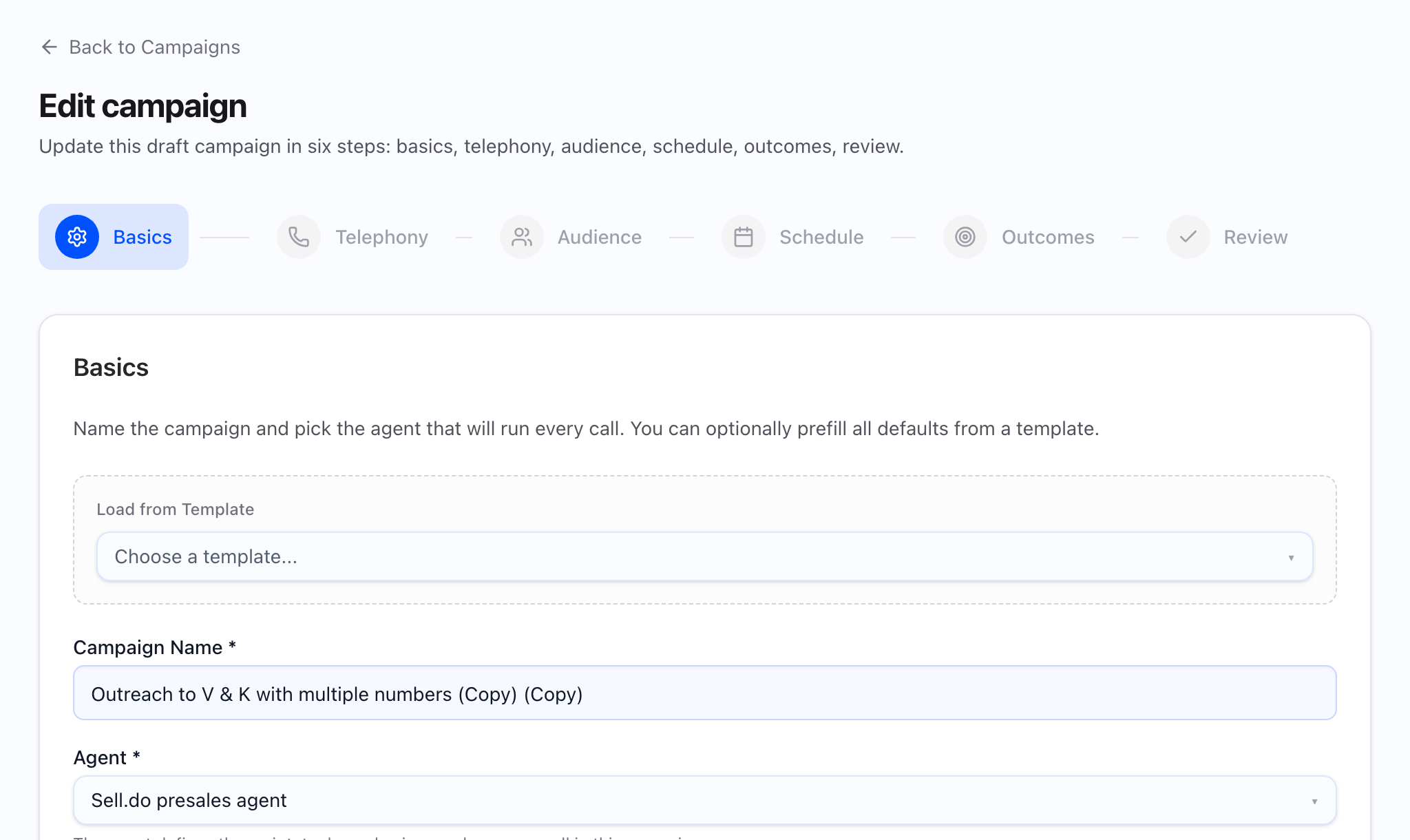
When dialing does not start or stalls, use wizard validation on New Campaign (including when editing a draft) together with Dispatch health on the campaign detail page for running, scheduled, or similar active states. Most “not dialing” cases are clear blockers you can read from the UI, not random failures.
When something is wrong, change one lever at a time so you know what fixed it.
First: wizard validation (create / edit)
The wizard will not let you proceed while a step is invalid:
| Step | Typical hard gates |
|---|---|
| Basics | Non-empty name and agent |
| Telephony | At least one campaign phone number in the pool |
| Audience (new campaign) | CSV file, contact IDs, or segment present per source mode |
| Schedule | If Scheduled trigger, start date and time must be set |
| Outcomes | No goal numeric errors; if A/B is enabled, variant configuration must be complete (weights, agents) |
If Next is disabled or save fails with an A/B error, fix that step before blaming telephony.
Second: campaign state and actions
On the campaign detail page, confirm:
- Status is not paused when you expect dialing — use Resume if appropriate (Pausing and resuming).
- Cancel is terminal — it will not dial again.
- Draft campaigns do not show dispatch health the same way as live campaigns; finish Launch first.
Third: dispatch health (live detail)
The detail page refreshes Dispatch health on a regular cadence when the campaign is in an active-type state. When the Dispatch health card appears, read it top-down:
- Credits — whether dialing is allowed from a credits perspective.
- Calling window — whether the current time is outside the allowed window for this campaign.
- Higher-priority campaign — another campaign may be using the same connection capacity first.
- Callable vs blocked tasks — counts of tasks that cannot be called yet, grouped by reason when shown.
- Hints — short explanations from the system; treat these as the first place to look.
- Tasks by status — whether work is queued, blocked, completed, and so on.
- Technical details — expanded JSON or debug section for support and advanced troubleshooting.
If Dispatch health is missing (failed load or empty state), use Refresh on the detail page and confirm you still have access before assuming there are no blockers.
Common root causes (quick map)
No audience (wizard)
Review shows “Not set (Audience step)” or zero contacts — return to Audience and attach CSV, IDs, or segment.
Schedule mis-set
Scheduled without a start time, or windows that exclude “now” for the campaign timezone — fix Schedule; after launch, compare with the calling window line on Dispatch health.
Telephony / capacity
Empty pool at Telephony step, or Dispatch health shows no capacity or contention — add numbers, reduce concurrency, or resolve the other campaign called out in the priority message.
Credits
Credits messages in Dispatch health — fund the account per your governance.
List quality
Many tasks fail early — revisit Audience mapping and Uploading contacts.
Operator process
Changing numbers, schedule, audience, and agent all at once — stop; pick the strongest signal from Dispatch health or wizard validation and fix that first.
What to capture for support
- Screenshot: Telephony step (number pool) from the campaign editor.
- Screenshot: Audience source and mapping.
- Screenshot: Review summary.
- Screenshot: Dispatch health on the campaign detail page (including hints and any blocker breakdown).
- Text: campaign name, id, time you expected dialing, last settings change.