
Assigning Phone Numbers to a Campaign
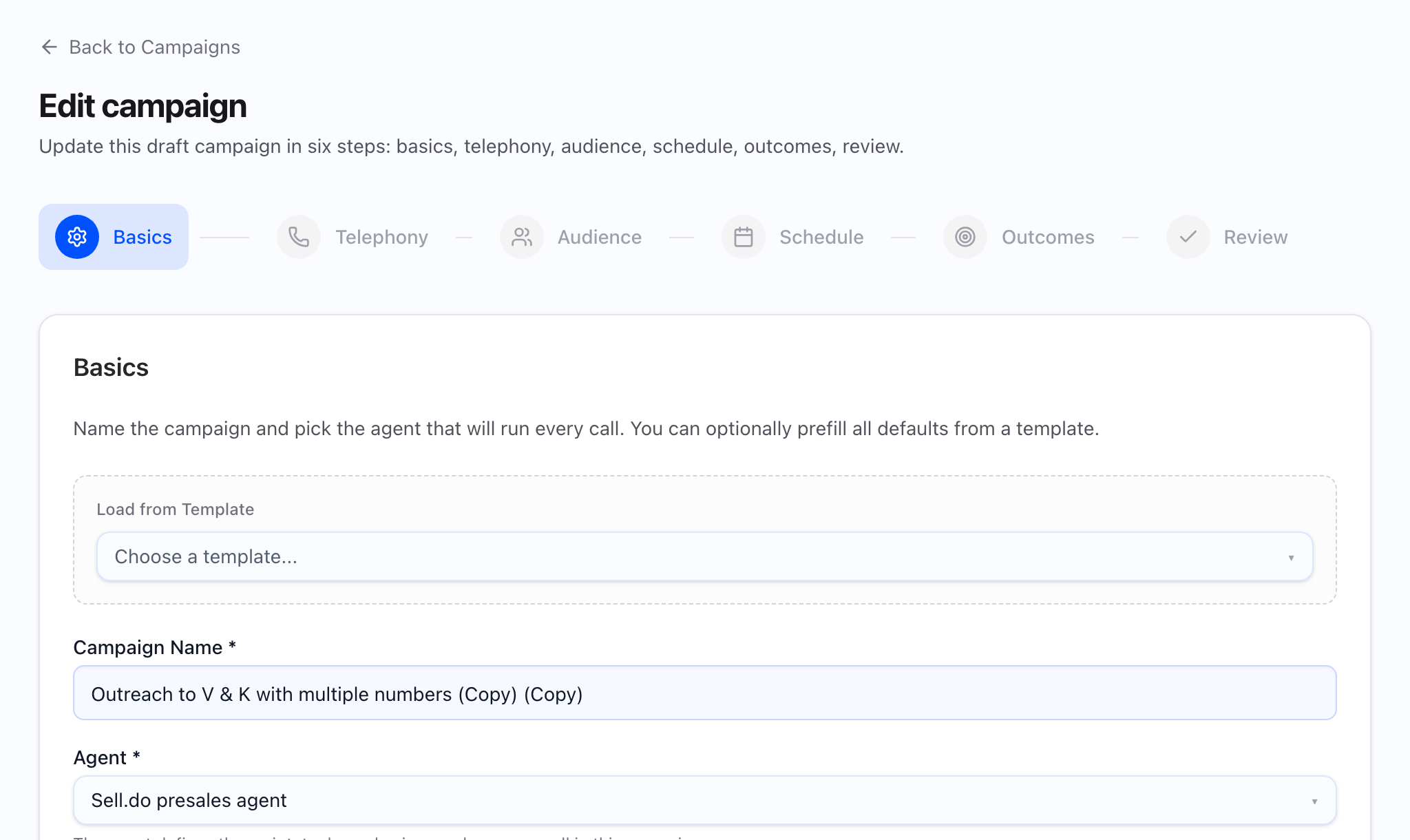
There is no separate “launch checklist” page in the app — see Campaign launch checklist for the human checklist aligned to Create campaign and actions on campaign detail. Assigning numbers for new or edited bulk campaigns happens in the Telephony step of the campaign wizard, not on a standalone “assign numbers” screen.
Numbers affect answer rates, trust, and carrier / reputation health from the first dial. Deliberate telephony setup makes performance interpretable; accidental pools make every later diagnosis noisy.
In the product
Before you start
- Know campaign geography and audience regions.
- Numbers are provisioned in your workspace / telephony connection.
- You will monitor health during the pilot (answer rate, spam flags).
- Prefer a small pool first unless you already trust the numbers.
Who should own this
- Sales Ops: picks pool composition and monitors early metrics.
- SDR leadership: aligns caller ID strategy with audience expectations.
- Admin / telephony owner: provisioning, caps, escalations.
Assign numbers step by step (wizard)
- Open Create campaign, or Edit a draft. You can also start from a template or clone an existing campaign when the product offers those options on the first screen.
- Move to the Telephony step (second step in the six-step flow).
- Choose the telephony connection if the screen asks — numbers may belong to different providers; in-app copy notes that provider comes from the number you select.
- Pick Primary / From and add one or more numbers to the campaign pool. You must have at least one number in the pool before Next is available.
- Read any capacity or pool hints on the step; after launch, pair those with dispatch health and Troubleshooting: not dialing.
- Complete Audience → Schedule → Outcomes → Review, save, then Launch from campaign detail when ready.
What the important decisions mean
- Single vs. pool: One number simplifies a pilot; a small pool spreads load once behavior is trusted.
- Local presence: Regional alignment can help pickup; misaligned IDs can hurt trust.
- Labels / naming: Operational clarity when multiple business lines share a tenant.
- Health: Remove or rest flagged numbers before scaling (see Spam-flagged numbers).
- Rotation discipline: Add numbers intentionally; measure outcome impact instead of assuming more IDs always help.
What good looks like
- Assigned numbers match audience geography and brand expectations.
- The team can explain why those numbers were chosen.
- Early metrics are stable enough to iterate script and schedule.
- Dispatch health does not show persistent capacity or connection surprises tied to the pool.
Common mistakes and troubleshooting
- Next stays disabled on Telephony — add at least one number to the pool.
- No numbers listed — provision or import numbers for the connection first (Adding phone numbers).
- Poor answer rates — check region fit and schedule before rewriting the script.
- Spam flags — shrink pool to healthy IDs and follow the spam playbook.
- Unclear ownership — fix labels and documentation before scaling spend.
Final checklist
- Telephony step shows the intended primary from and pool.
- Pilot size matches telephony risk tolerance.
- Health owner named for the first live hours.
- Launch still uses the actions on campaign detail after you save the wizard.