
Spam-flagged numbers and compliance skips
The Telephony step of Create campaign (new or edit) documents platform behavior in two places: the Number Pool blurb and the expandable How the number pool works section.
What the static should show: How the number pool works expanded to 6. Spam & compliance skips so readers see the exact in-app wording about flagged numbers and country restrictions.
What the product does automatically
Number Pool helper text:
- “…spam-flagged numbers are skipped automatically.”
How the number pool works → 6. Spam & compliance skips:
- Numbers flagged as spam above the platform threshold, or not allowed to dial the contact’s country, are skipped and never enter the pick—including for the very first call.
There is no per-campaign toggle for this in the UI; it is part of dispatcher selection logic described on that page.
What the GIF should show: A multi-number pool where one line shows degraded pool Status on Number Pool Health, while calls continue on remaining numbers; optionally open a phone number’s Phone number detail → Campaign Health for Pool Status.
Where to investigate in the app
| Area | Where | What you see |
|---|---|---|
| Pool rules | Create campaign → Telephony | Copy above (source of truth for skip behavior) |
| Per-number pool state | Campaign detail — Number Pool Health | Status per pooled number; link to the number’s detail page |
| Number vs campaigns | Phone number detail — Campaign Health | Pool Status, attempts, answer rate, weight (when the API returns campaign number health) |
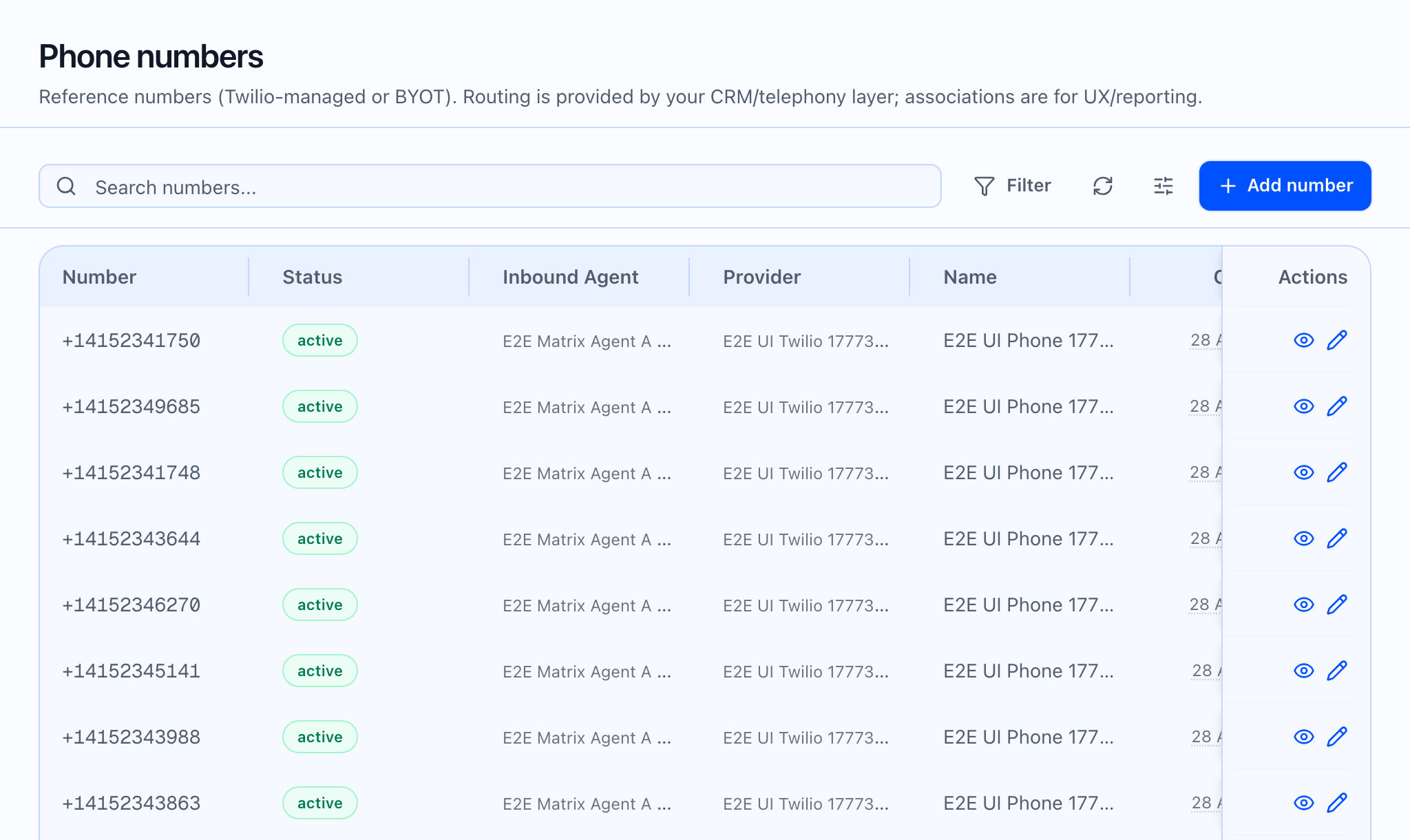
The phone number list shows a general Status badge (e.g. active) and Twilio for platform-managed numbers; it does not surface every spam or reputation field in the table—some metrics exist for API and detail views.
Operational response (playbook)
- Confirm the campaign has more than one eligible number so skips do not stall outreach—add numbers via Add number and attach them in Telephony.
- Review Number Pool Health on the campaign: if one line shows a bad Status or zero traffic while others dial, treat it as a candidate for replacement or provider review.
- Pause or narrow volume on the affected line at the campaign or provider level until metrics recover.
- Check country rules — Allowed outbound countries on the number can interact with compliance skips; empty means no restriction in the UI copy.
- Deactivate or release unusable Twilio-managed lines from the number detail page (Deactivate / Release number) after leadership sign-off—release is destructive (confirm dialog).
 What the video should show: Operator walks from campaign Number Pool Health into a number detail, reviews Campaign Health, then adds a replacement number to the campaign pool.