
Prompt writing fundamentals (agent **Prompt & Goals**)
“Prompt” in the voice product means the combined instructions you enter in Step 4 — Prompt & Goals of the agent wizard, plus any Platform rules pack you select, not the post-call analysis templates on the Call analysis prompts page (those run on transcripts after the call).
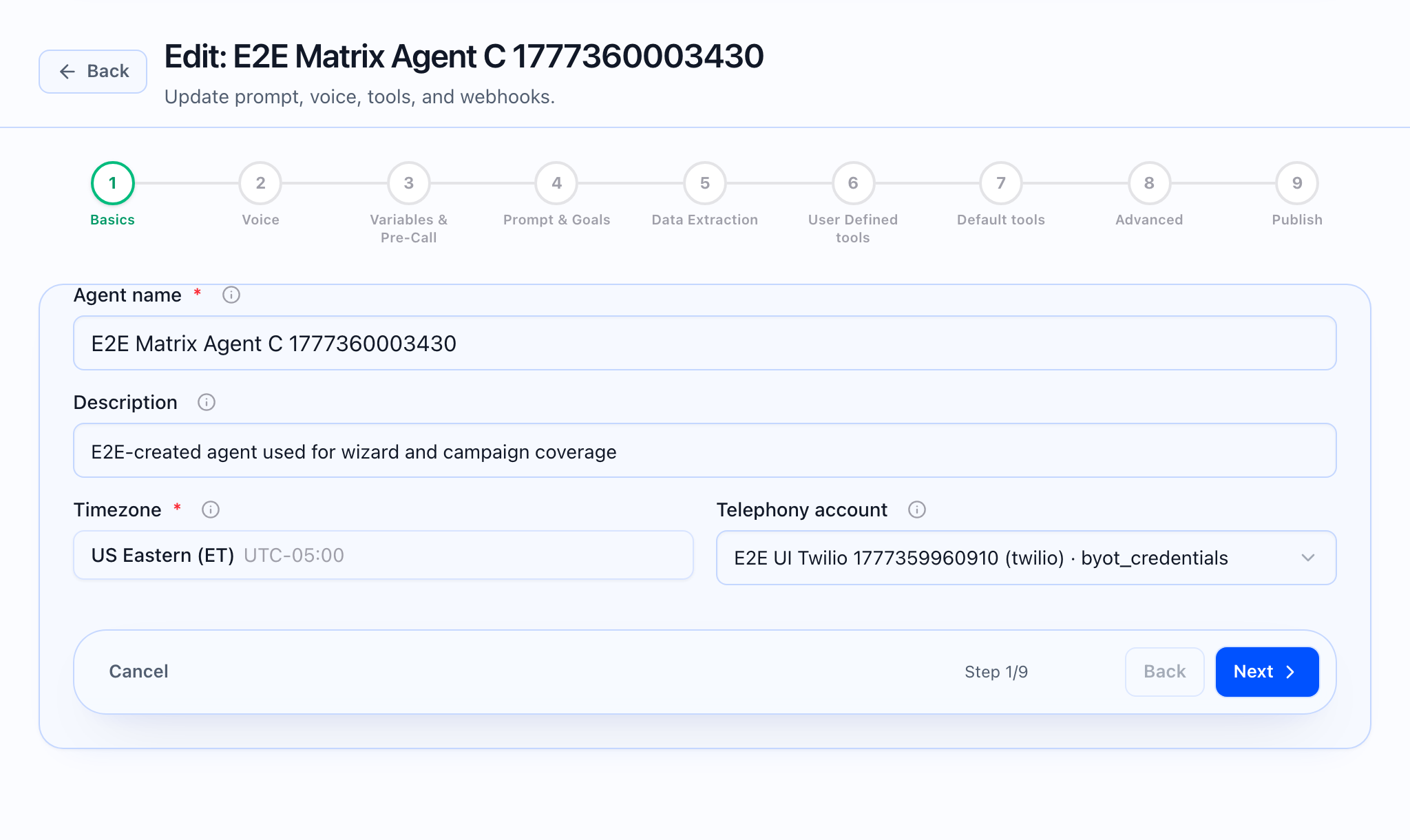
What the static should show: Step 4 with Identity and at least one of Call control & flow / Discovery visible, plus the Total prompt counter.
Structure you can rely on
The editor is split into explicit blocks (each merged into the runtime prompt with the section names shown in the in-app help):
| UI section | Purpose |
|---|---|
| Greetings | Separate inbound vs outbound Greeting text and Follow-up question. |
| Identity | Persona / company / tone. |
| Knowledge base | Custom notes or a linked published knowledge base (when your plan allows). |
| Call control & flow | Pacing, what to do when busy or skeptical. |
| Objection Handling | Pushbacks and responses. |
| Discovery & Qualification | Questions and disqualification signals. |
| Close / CTA | Next steps and asks. |
| Guardrails & Do's and Don'ts | Compliance and boundaries. |
| Tenant platform rules pack | Optional; picks a row from Platform rules. |
| Advanced (collapsed) | Custom instructions (system_instruction) and Style addendum. |
| Conversation goals | Numbered goal lines. |
Limits and placeholders
- Total prompt size is capped (40,000 characters for all sections + goals + custom instructions, per product limits). The step shows a counter and blocks navigation/save when over limit.
- Greetings support
{{variable}}names from Step 3;{{caller_name}}is called out in the UI as auto-filled from pre-call data when available.
Platform rules vs agent text
Platform rules on the Platform rules page are tenant-wide packs suggested for new agents and merged first in the system prompt. Use them for disclosure and policy; use Step 4 for persona, offer, and conversation design.
Call analysis prompts (different feature)
Call analysis prompts (same Call analysis prompts page in the app) configure post-call LLM analysis (provider/model, template variables like transcript, disposition, etc.). Attach them in Default tools (Step 7) when you want structured output after the call. They do not replace Step 4 for live conversation.
What the GIF should show: Adding a Conversation goals row or expanding Advanced custom instructions.
What the video should show: Side-by-side mention: Prompt & Goals vs Call analysis prompts page headers to avoid confusing the two.
Inbound calls
Inbound calls receive an additional set of runtime variables (routing_reason, campaign_id, task_id, contact_id, follow_up_id, direction) so your prompt can branch the greeting based on what the caller is returning to. See Inbound runtime variables for the full list and sample prompt snippets.