
Understanding Campaign Analytics
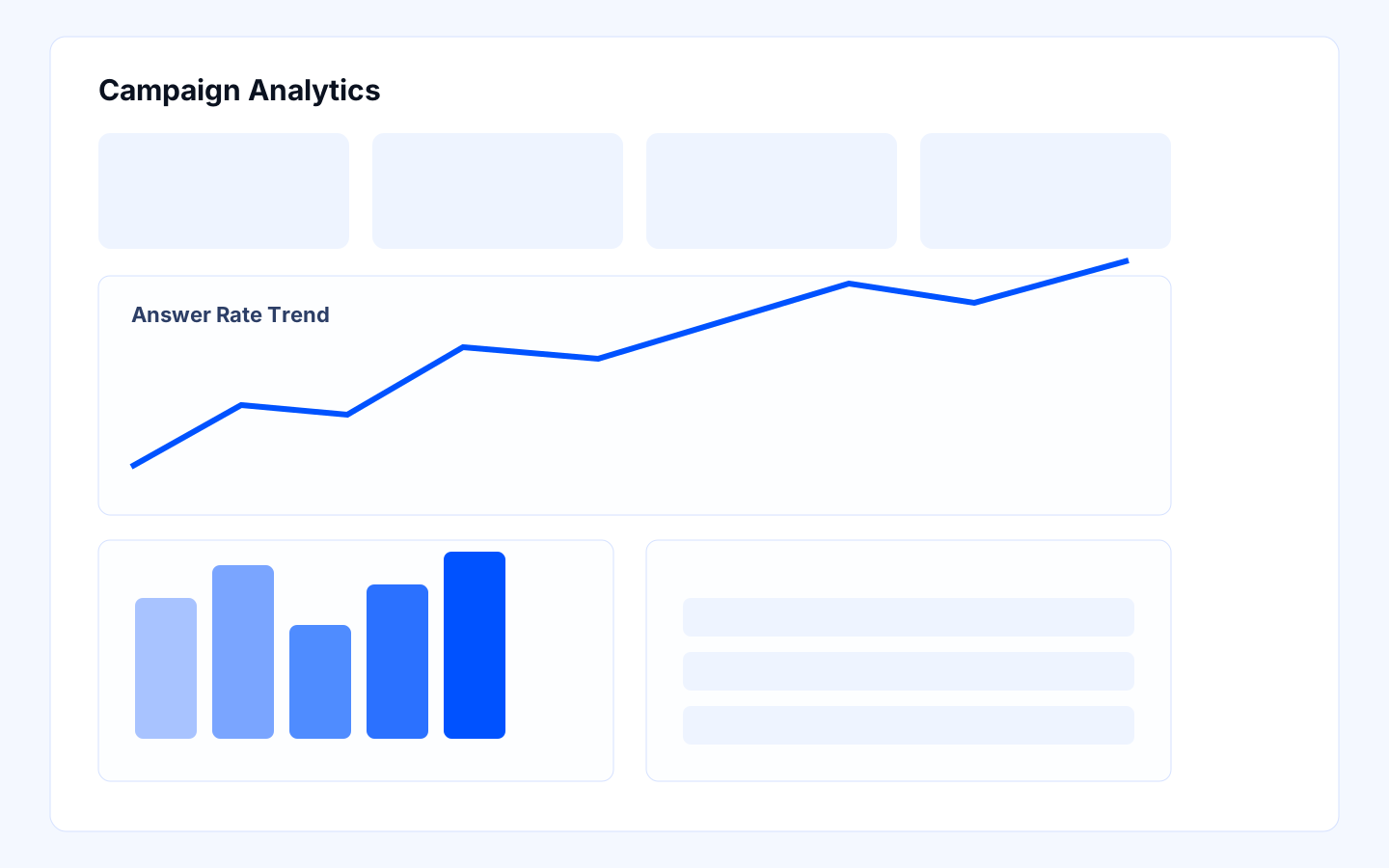
Campaign analytics should help you make better operational decisions, not just create a report for leadership. The strongest teams use analytics to answer practical questions: Are we reaching the right people, at the right time, with the right script, and are those calls turning into useful next steps?
Campaign analytics navigation
When you review analytics consistently, you can spot drift early, improve the next campaign cycle faster, and keep follow-up quality connected to real outcomes.
Before you start
- Campaign has enough completed calls for trend analysis.
- Outcome definitions are agreed by Sales Ops and SDR lead.
- Dashboard access is granted to decision owners.
- Someone is responsible for turning review findings into action items.
Who should own this
- Sales Ops: performance review and optimization decisions.
- SDR Lead: follow-up quality and pipeline handoff.
- QA reviewer: transcript spot checks for quality drift.
- RevOps or CRM owner: validates that reported outcomes line up with downstream records.
Review campaign analytics step by step
- Open campaign analytics for the selected date range.
- Review the top-line metrics first: call volume, answer rate, connected rate, and outcome mix.
- Compare performance by time window, day, audience segment, and number pool if those views are available.
- Investigate unusual shifts with call logs, transcripts, and recent setup changes.
- Choose one focused action, such as a script refinement, schedule adjustment, number change, or segmentation update.
- Record the action and review the impact in the next reporting cycle.
What the important metrics and decisions mean
- Call volume: This tells you whether the campaign is pacing as expected, but volume alone does not prove success.
- Answer rate: Start here when performance drops. Timing, audience quality, and number health often matter more than script changes at first.
- Connected rate or conversation quality: This helps you tell the difference between a dial problem and a messaging problem.
- Outcome mix: This shows whether the campaign is creating useful business results or just generating activity.
- Trend by day or time window: This helps you decide when to narrow schedules, adjust staffing, or separate audience segments.
- One-change discipline: Change one major variable at a time so you can tell what actually improved performance.
What good looks like
- The team reviews analytics on a regular cadence, not only when performance drops.
- A clear operational action comes out of each review.
- Metric changes are validated with call samples, not just dashboards.
- Leadership and frontline managers can both understand what the numbers mean.
Common mistakes and troubleshooting
- If answer rate drops sharply, review schedule and number health before you rewrite the script.
- If connect quality drops, review the campaign opening and audience fit before you expand volume.
- If follow-up outcomes are weak, check whether reps can act on the logged outcomes or whether definitions need tightening.
- If a metric drop is severe, pause the affected campaign or reduce concurrency while you investigate.
- Revert to the last known-good script, schedule, or number strategy when a recent change clearly caused the issue.
- Escalate to the campaign owner if the same problem persists across two review cycles.
Final checklist
- Weekly analytics review is completed and documented.
- One clear optimization decision is recorded.
- Validation sample (calls/transcripts) supports the decision.
- Follow-up owners are assigned with due dates.