
Memory & AI insights
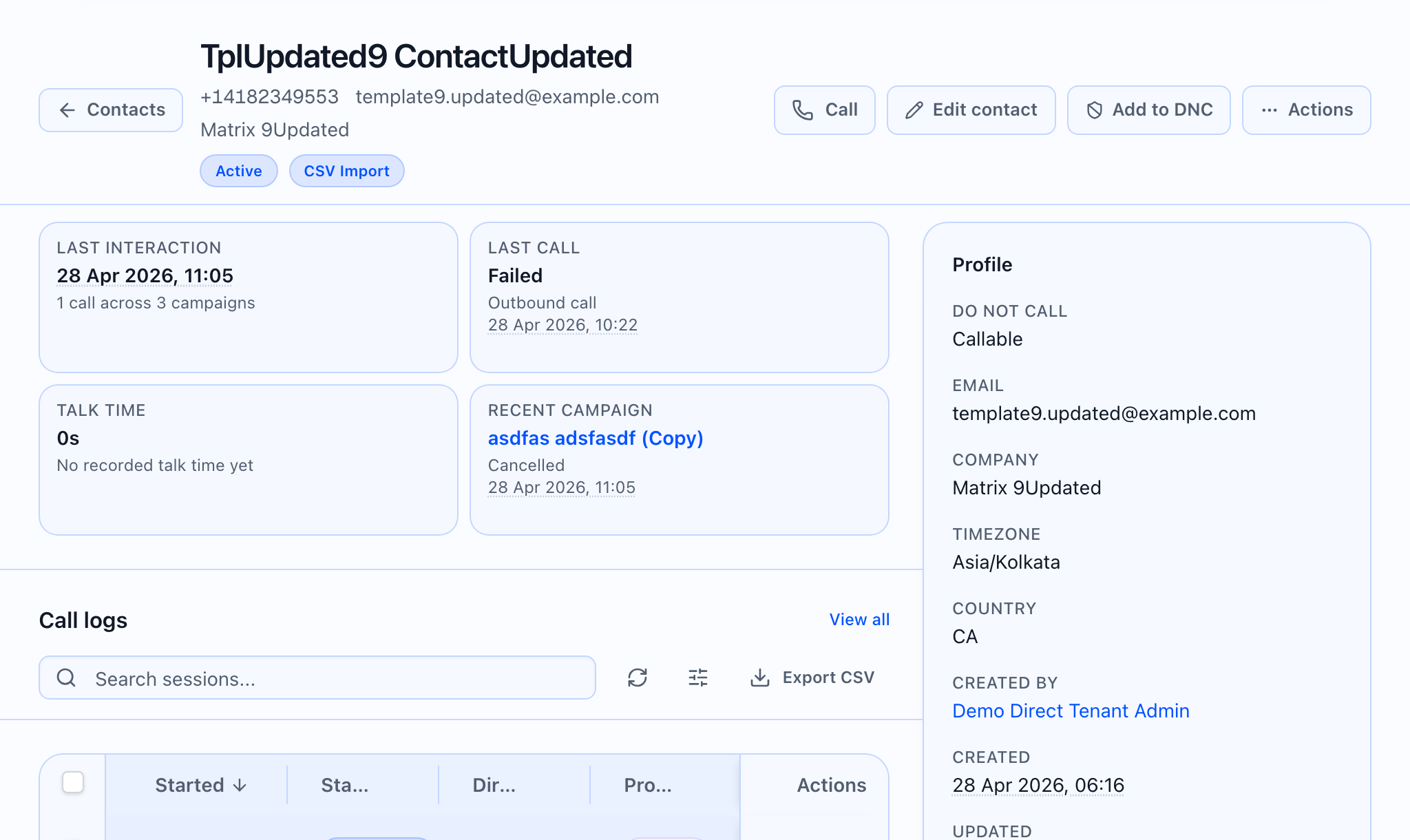
On the contact detail page, Memory & AI Insights shows a summary, open follow-up items, structured facts, and a short interaction history. You can edit text, adjust open items, and request a new memory build from recent completed calls. The card sits in the main column next to Follow-ups.
 ## What the card can do (at a glance)
| Action | What happens |
|---|---|
| Load | Opens with memory and insights for this contact. |
| Edit summary or open items | Save sends your changes to the server and shows a success message when stored. |
| Edit a fact (AI insight) | Save updates that fact; you can reset an edited fact to the last AI value when that control appears. |
| Rebuild from recent calls | Queues a job to rebuild memory from recent completed calls (see below). |
LLM usage (when shown)
If usage numbers are available for this contact’s memory, an LLM usage section may list model name, run count, last run cost and tokens, and totals. Billing may be labeled for contact memory LLM usage (wording matches what your tenant sees in reporting).
Summary
- Read-only: paragraph or No memory yet.
- Edit toggles a text area; Cancel discards unsaved text; Save stores the summary.
- Success shows Success / Summary saved.
Open items
- Items can be simple lines or lines with a title and optional due date.
- Edit turns the list into fields with Remove and Add; Save stores the list.
AI Insights (facts)
- Each fact is a label and value, with a small badge for whether it was last set by you or by the system.
- Edit / Save / Cancel for the value.
- Reset appears only after you have edited a fact and want to restore the AI-sourced value.
- Add lets you create a new key and value (for example, a preferred callback time).
Empty copy: No structured facts yet.
Interaction log
Each line can show when the interaction ended, direction, result, duration, a link to the call session in Call logs, and optional summary text.
Empty copy: No interactions recorded.
Rebuild from recent calls
- Button: Rebuild from recent calls (shows Queuing… while the request is sent).
- Browser confirm (exact): “Rebuild memory from the last 3 completed calls? This runs LLM extraction and may incur cost.”
- On success, the app shows the server message or Memory rebuild queued.
Before the first load finishes, the card may show Loading memory...
The confirm dialog states that extraction may incur cost. The **LLM usage** section surfaces spend and token information when the server returns it.