
What to Do If a Number Gets Flagged as Spam
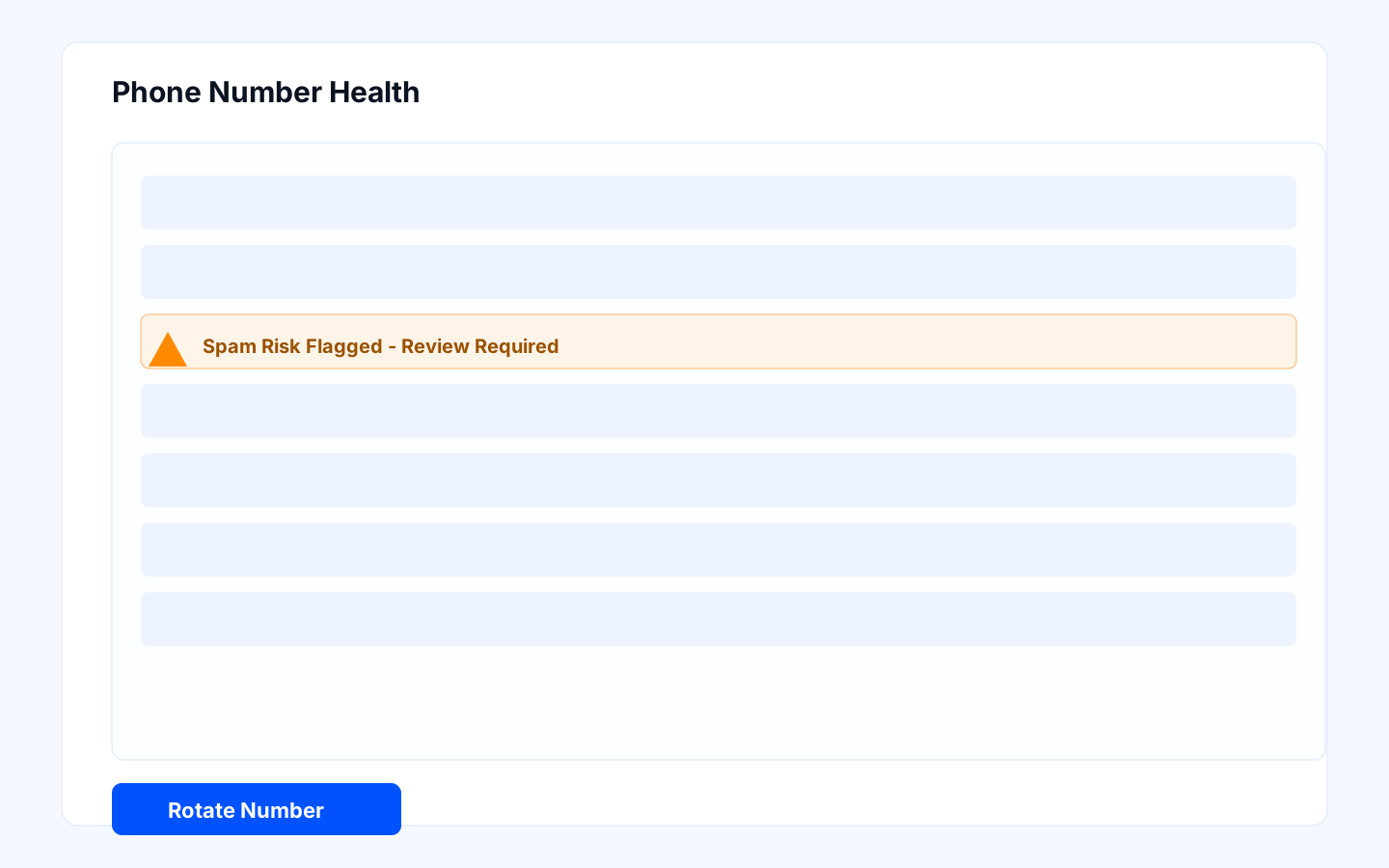
When a number is flagged as spam, speed matters. A fast, structured response protects campaign performance, reduces reputational damage, and helps you recover without repeating the same issue.
Prerequisites
- Number owner is assigned.
- Backup number pool is available.
- Incident escalation contact is known.
Why numbers get flagged
Spam flags usually appear when volume, targeting, timing, or repetition looks suspicious to carriers or recipients. In practice, it is rarely one issue alone. The most common contributors are:
- aggressive call pacing from a small number pool
- low-quality or poorly segmented lead lists
- repeated attempts in narrow time windows
- scripts or openings that create immediate distrust
Owner responsibilities
- Sales Ops: containment and launch decision.
- Telephony admin: number replacement and health checks.
- SDR Lead: follow-up impact communication.
Incident response steps
- Pause or reduce campaigns using the flagged number.
- Remove flagged number from high-volume campaigns immediately.
- Replace with healthy number from approved pool.
- Review recent call cadence, schedule windows, and audience quality.
- Review recent scripts and openings to rule out messaging patterns that may be hurting trust.
- Resume with lower volume and monitor answer rate for 24-48 hours.
- Record incident details and corrective action in ops log.
Decision criteria
- Retire number if repeated flags occur in short intervals.
- Keep number in low-volume pool only after stable recovery period.
- Escalate carrier/provider review if multiple numbers degrade together.
What each recovery choice means
- Pause the campaign: Best when you need to stop damage quickly and inspect the full setup.
- Swap in a backup number: Best when the campaign must continue and you have healthy inventory available.
- Reduce daily volume: Best when the issue appears related to pacing rather than list quality or messaging alone.
- Retire the number: Best when the same number repeatedly degrades or trust is unlikely to recover.
Failure handling and rollback
- If replacement number also degrades, pause affected campaigns.
- Revert to lower daily volume limits and tighter schedule windows.
- Segment audience and exclude low-quality contact sources.
- Escalate to telephony provider support with incident timeline.
Troubleshooting
A replacement number starts performing poorly too
Treat that as a signal that the issue may be broader than one number. Review list quality, schedule windows, and script behavior before restarting at scale.
The team wants to keep dialing at the same pace
Resist that instinct until you confirm the cause. Continuing at full speed usually turns a single-number issue into a wider deliverability problem.
You are not sure whether the script contributed
Listen to recent calls and inspect the opening. If the first few seconds sound misleading, too generic, or too pushy, revise the script before relaunching.
Acceptance checklist
- Flagged number is removed from critical campaigns.
- Backup numbers are active and healthy.
- Campaign performance is stable after recovery.
- Incident playbook updates are documented.