
Inviting your team
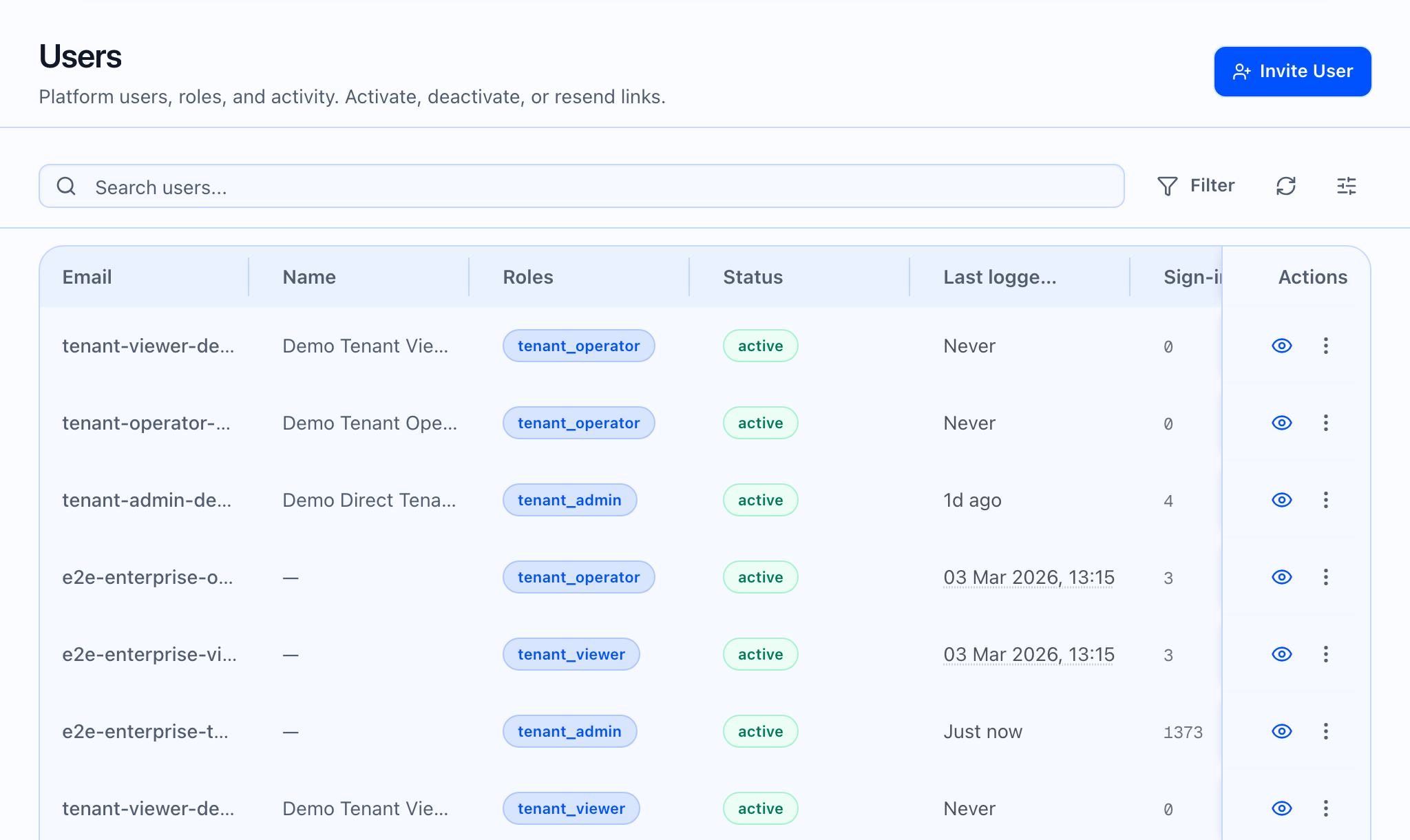
What the static image should show: The Users page title, the table shell, and Invite User button. Redact emails if needed.
Where to go: Admin → Users
Visibility: The Users item appears in the Admin group when your role may manage users. If you do not see Users, your role may not allow user management; ask a Tenant Admin in your workspace.
Invite a tenant user
- Open Users from the left nav (Admin → Users).
- Click Invite User.
- Enter email and select a role:
- Tenant Admin
- Tenant Operator (default)
- Tenant Viewer
- Submit. The app sends the invite with the email and role you entered.
Copy in the app: “Send an invitation email to add a new user to this tenant.”
On success, the user receives an invitation email to set a password, consistent with the standard invite flow (exact email text is from the server).
What the GIF should show: Dialog open → role Select change → (optional) successful toast without showing network payloads.
 What the video should show: Chapters: open Users → Invite User → explain each role in one sentence (permissions are enforced server-side) → where to find Activity or row actions if present.
Partner and platform (not the same flow)
- Partner and Platform orgs use different invite experiences with different rules; this article focuses on tenant Users only.
Related
- Setting up your account
- What Callaro does in the web app
- Integrations in the web app — API keys and operational areas for integrations