
Recharges and checkout (no saved payment methods screen)
On Billing Overview, the main action opens a dialog: Recharge Credits when online checkout is enabled and you are allowed to pay; Request Credits when the account is in request mode or online payments are not available for your role; Top up unavailable when you cannot act.
Dialog copy explains either that payment goes through the checkout provider or, in request mode, that you are asking your service provider or that online payments are not enabled yet.
Checkout loads the provider’s script and opens their payment window. After payment, the app confirms the transaction and shows a success message such as Recharge of … completed. Credits added. or, for requests, Recharge request of … sent to …. Partner operators may see similar recharge or request flows on Partner billing. Razorpay keys and seller settings are configured on the billing entity for administrators—they are not an end-user “saved cards” screen.
There is no in-app page titled “Payment methods”, no saved-card list for tenants, and no self-serve card vault—each online recharge starts a fresh checkout session.
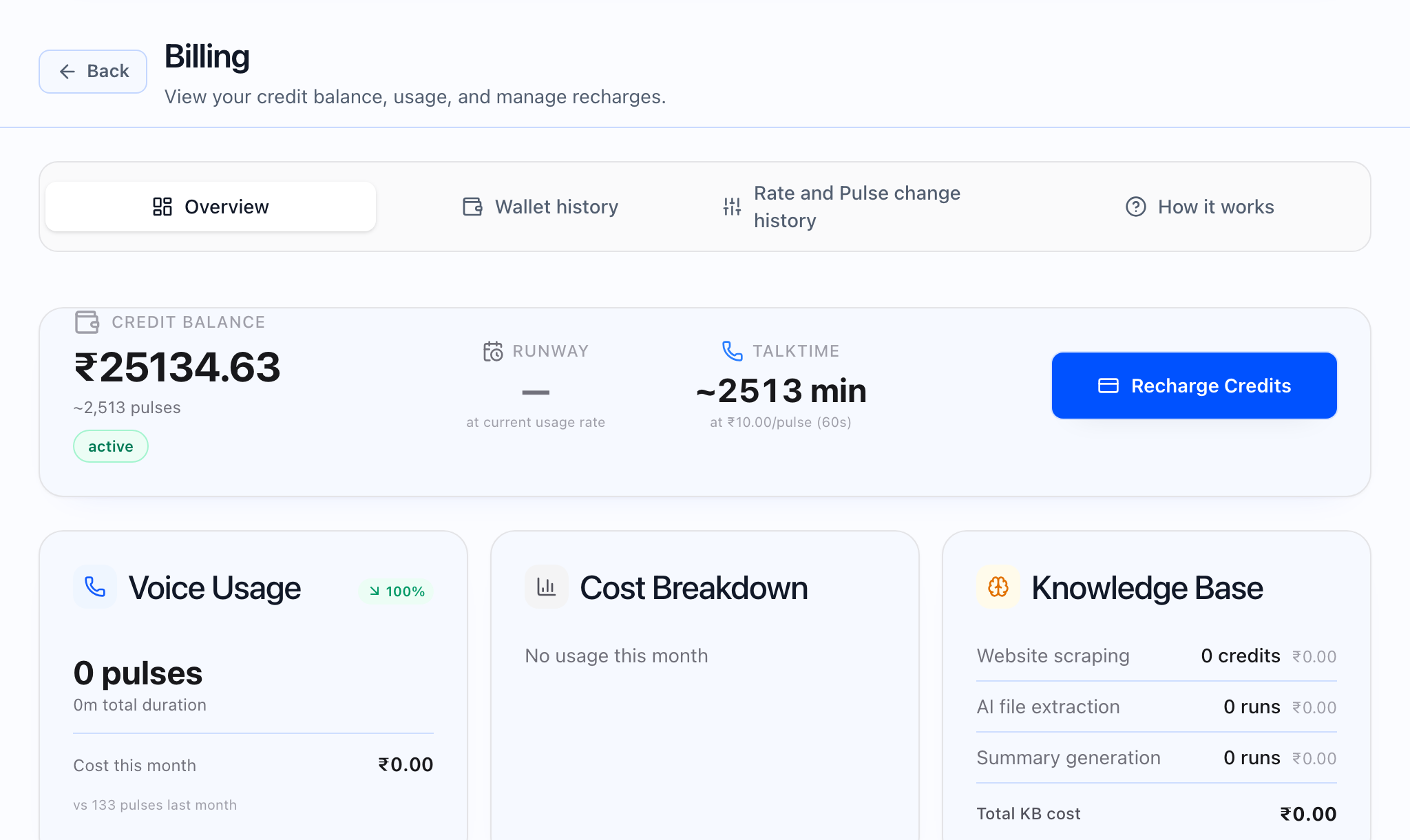
Who sees which CTA
Whether you see recharge, request, or Top up unavailable depends on your role, whether checkout is configured, and partner vs tenant scope. The Only a workspace admin can top up this wallet helper appears when you cannot recharge yourself.
After payment
If payment completes but confirmation is delayed, you may see a message that payment was received but could not be confirmed immediately. Canceling checkout shows Payment cancelled. No amount was charged. Failed payments surface the error from the provider. Invoice email behavior is not controlled from this dialog—follow your organization’s billing process for documents.