
Taxes as shown in the app (GST, summaries, invoices)
Usage states that tenant amounts exclude GST and that Invoices include GST where applicable.
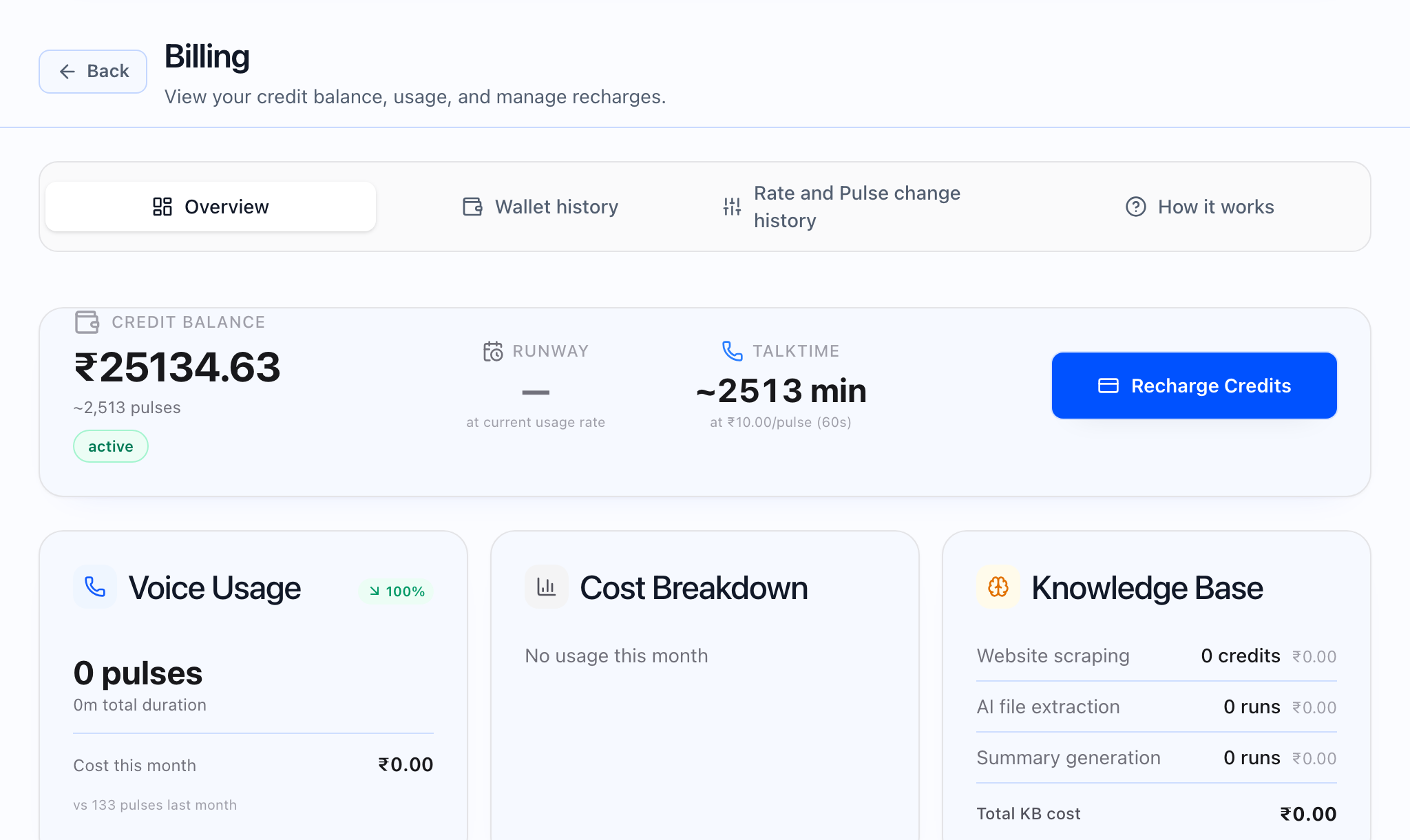
On Billing Overview, when GST applies to INR balances, the hero may show usable credit excluding a stated GST rate, and a GST Breakdown alert explains how much of the balance is GST vs usable credit for calls. The recharge flow may label Credits to add as base before GST and show the total you will pay including GST at checkout.
Invoices list includes a Tax column. Invoice detail Amount summary uses the tax label returned for the document (often Tax (GST)). Indian GST may be split into CGST / SGST, CGST / UTGST, or IGST depending on the invoice. Alerts can include Tax Note, Tax treatment, Reverse charge (same treatment as on the PDF), and Exchange Rate when FX applies. Line items may show Tax Rate and Tax Amt when the invoice is configured that way.
Seller and buyer tax registration details are maintained on the billing entity edit screen for your organization when you have access.
Reverse charge and tax notes
Tax Note can show multi-line explanatory text. Reverse charge appears as a prominent alert when it applies. Tax treatment shows a readable tax code for the invoice.
Bill To (buyer) on invoices
The Bill To card shows the buyer name, address, Email, and GSTIN when present. The buyer name may link to edit the billing entity when your permissions allow.